Analytics runs only if you accept. No names, codes or payment details are sent, and shopping works the same either way. Details: privacy and cookies.

  • Necessary Keeps your cart and this choice in your browser so the store works. We ask again after 12 months.
    Always on
  • Analytics (PostHog) Counts pages, clicks and store actions with your device type and rough location, and may record your visit with typed text hidden. Its cookie lasts 365 days. Data is stored in the EU.
    Off
  • Videos Product videos load from YouTube (Google) only when you press Play. YouTube may store data on your device. If you reject, Play opens the video on youtube.com in a new tab instead.
    When you press Play

With analytics on, the site keeps this visit's campaign source in this tab until you close it.

Change your choice any time with Cookie settings at the bottom of the page.

New: released

Housing System & Shell Creator

 V3

A FiveM housing script where players buy, furnish, power and defend their homes, and you build shells in game.

Supports ESX, QBCore and Qbox

Buy or subscribe

One-off purchase

€29.99 + VAT at checkout

Supports ESX, QBCore and Qbox

Buy now skips the cart: log in with Cfx.re, then pay on Tebex.

Included in Ultimate

Compare subscriptions

Ultimate Full access

€39.99/month + VAT

33 scripts that cost €549.67 + VAT bought one by one, plus every future release.

Subscribe to Ultimate

Renews monthly. Cancel any time in your Tebex payment portal (external site). Scripts stop after the paid period.

15% off one order Terms

Covers scripts and bundles, and on a plan the first payment only. Not valid on gift cards. One use per customer or IP address. Enter it in your cart under Have a code?, or at Tebex checkout.

Discount code NEW15

v3.1.0, 21 Oct 2026: changelog
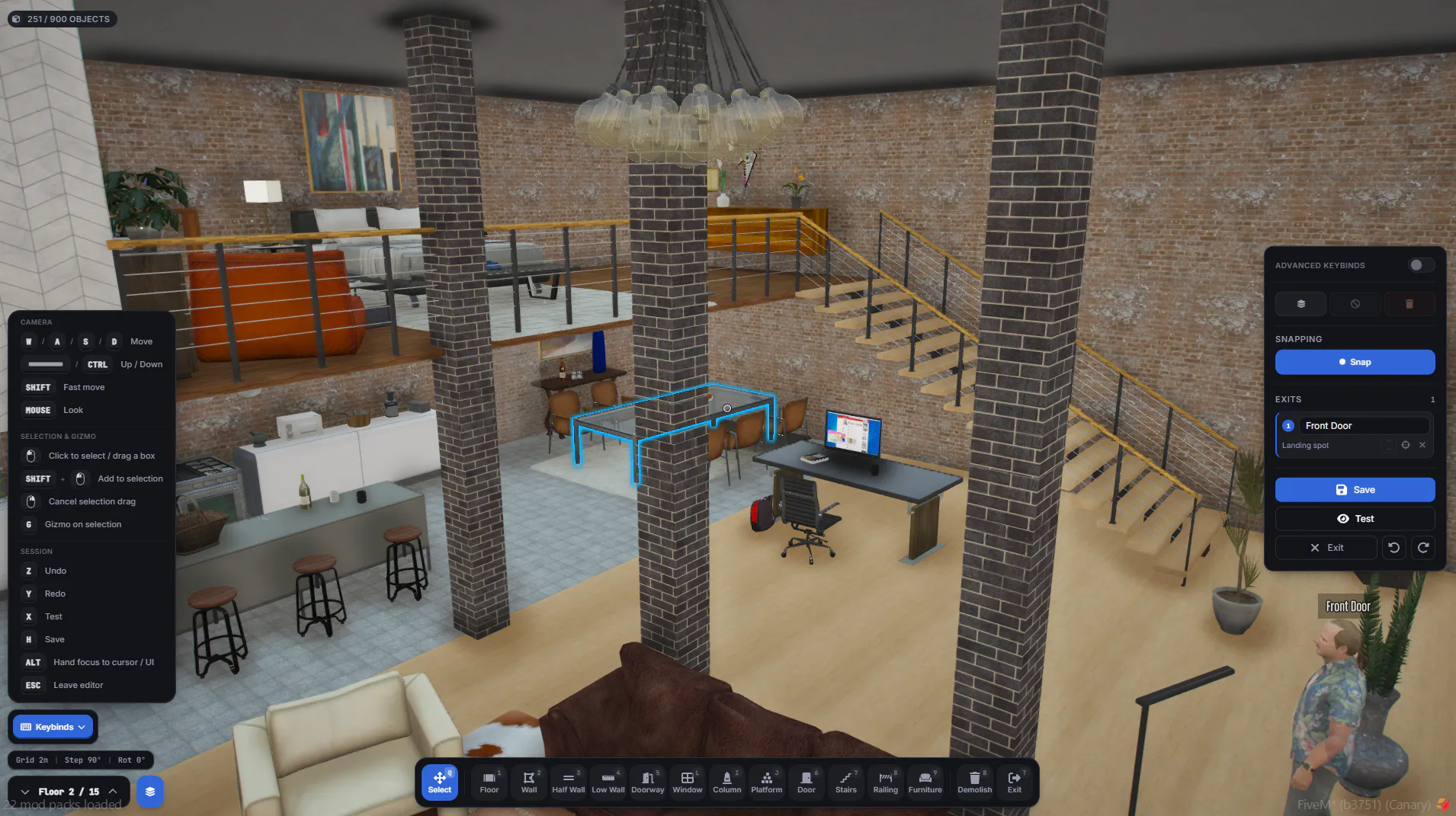
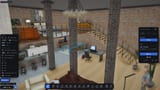
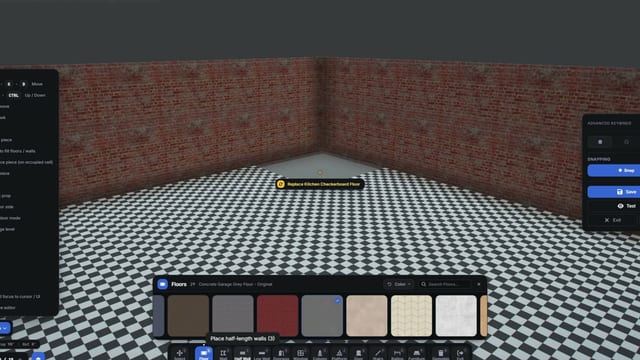
Shell Creator on a checkered floor inside a brick room: interior walls, a doorway opening and pillars are placed, with material and wall-piece toolbars along the bottom.
  • In-game Shell Creator

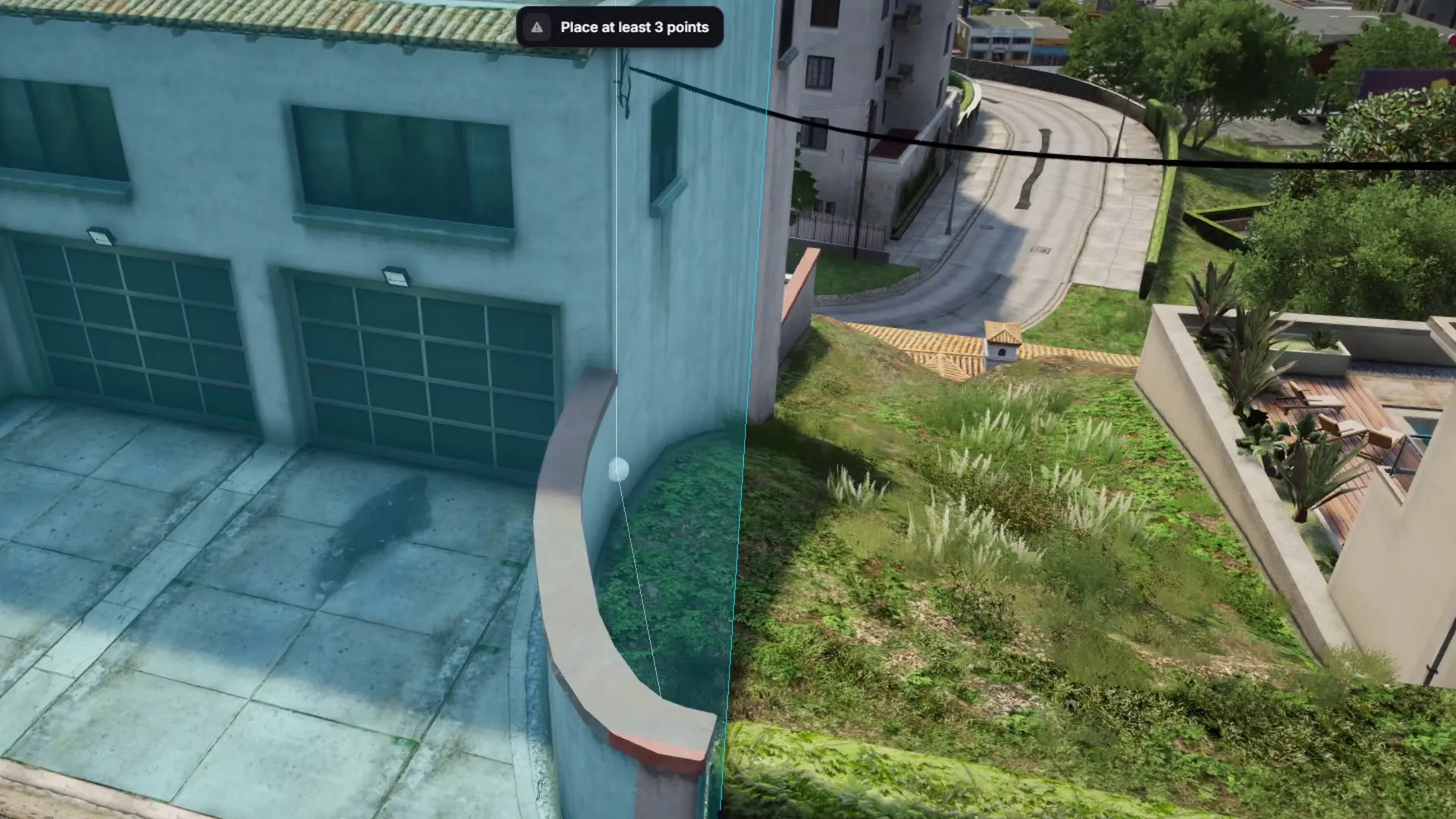
Players buy, rent or finance houses and apartments or check into a motel, then furnish the house, garage and yard. Real-estate agencies sell properties for commission, and admins or agents add properties in game with no restart. Building walls and floors works in custom shells, not MLOs.

At a glance

  • In-game Shell Creator

    Build interiors from walls, floors, doors, windows and stairs, then share them between servers with import and export codes.

  • Buy, rent or take a mortgage

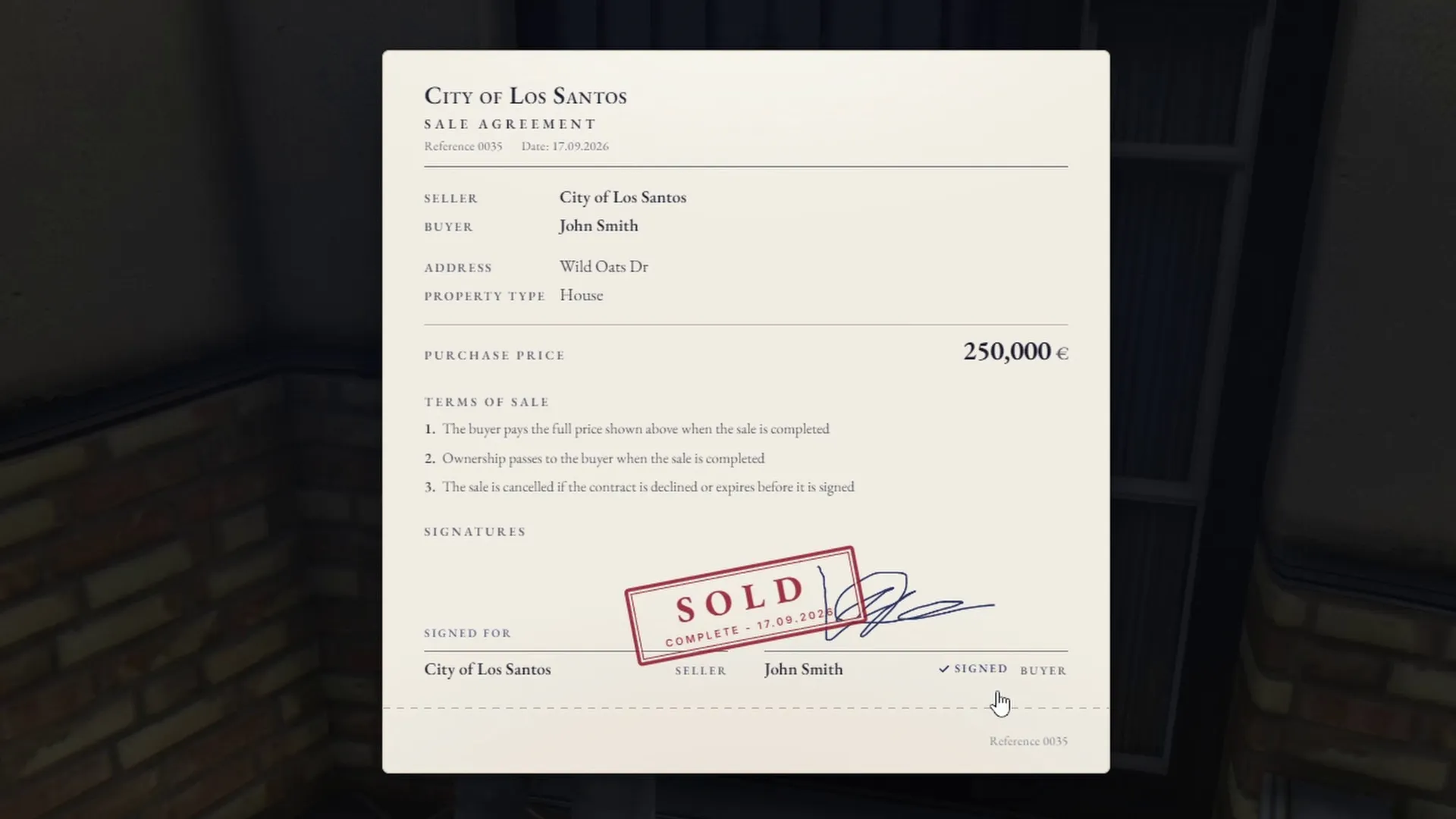
    Covers houses, apartments, motels and optional starter homes, and handles contracts, resale and transfers.

  • V2 upgrades keep every home

    Housing V2 owners get V3 free, and upgrading keeps every player's property plus a backup of the old data.

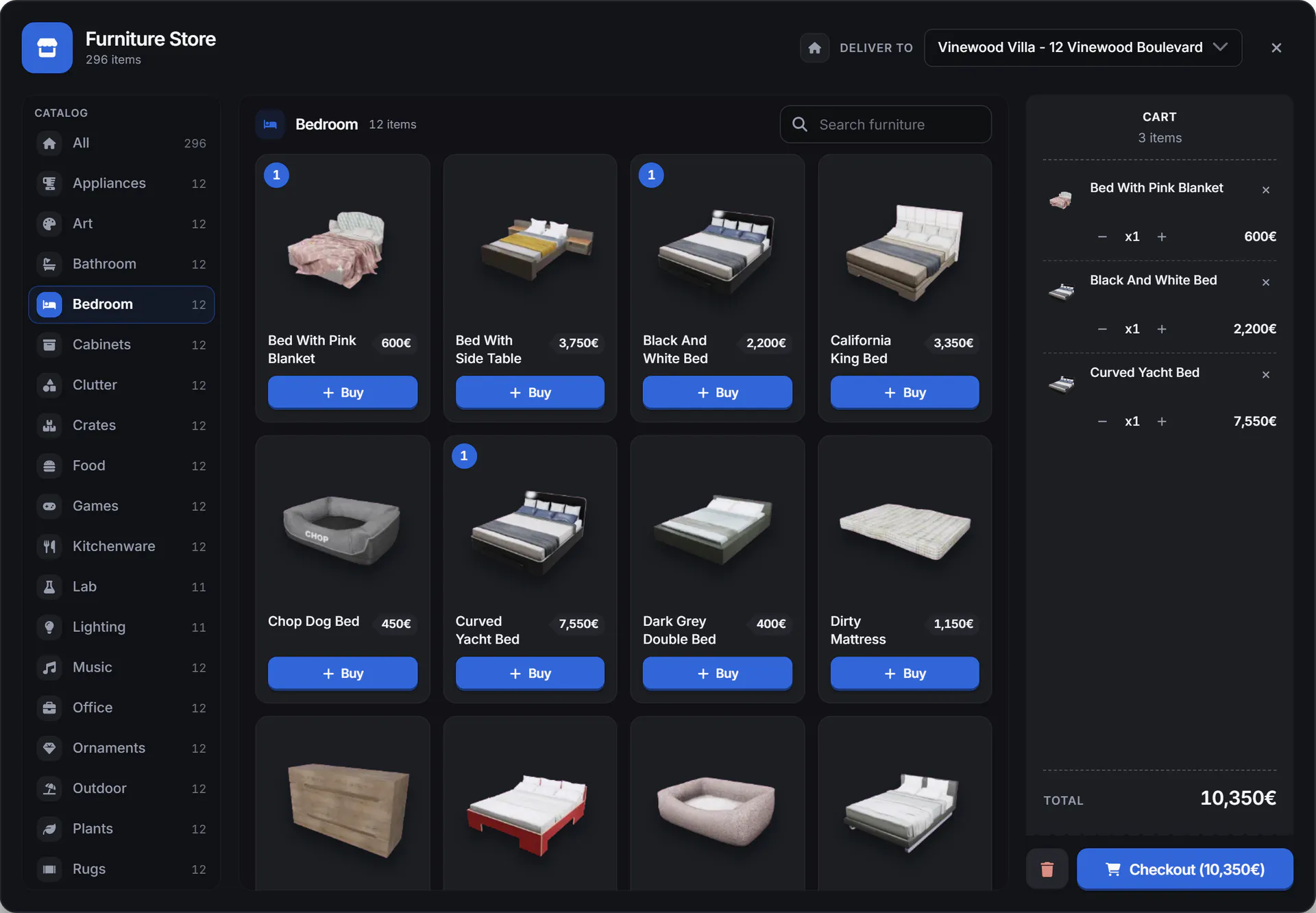
  • Furnish with 3800+ items

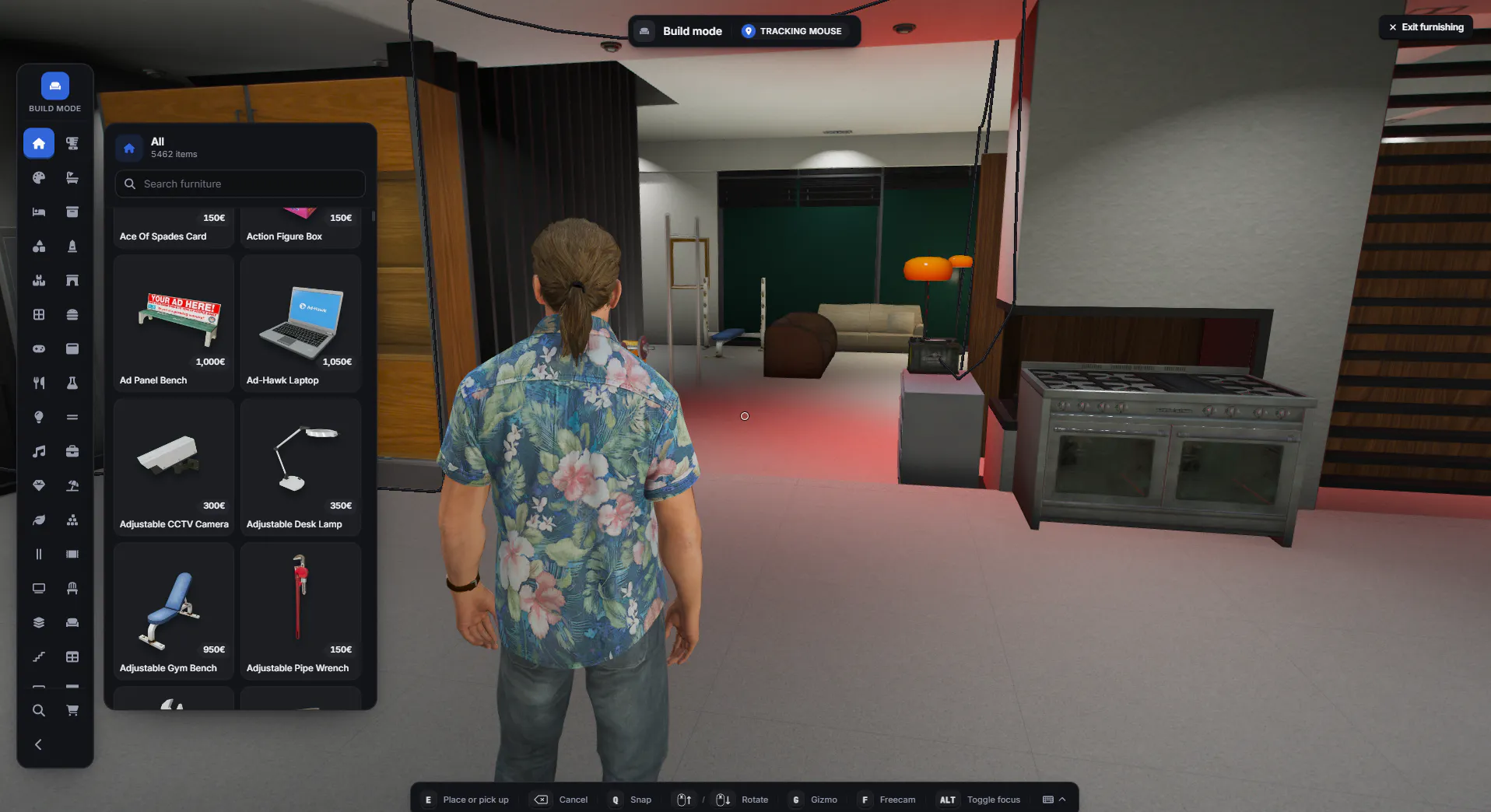
    25 categories with 3D thumbnails, placed in the house, garage and yard with a gizmo or crosshair.

  • Locks, alarms and a door camera

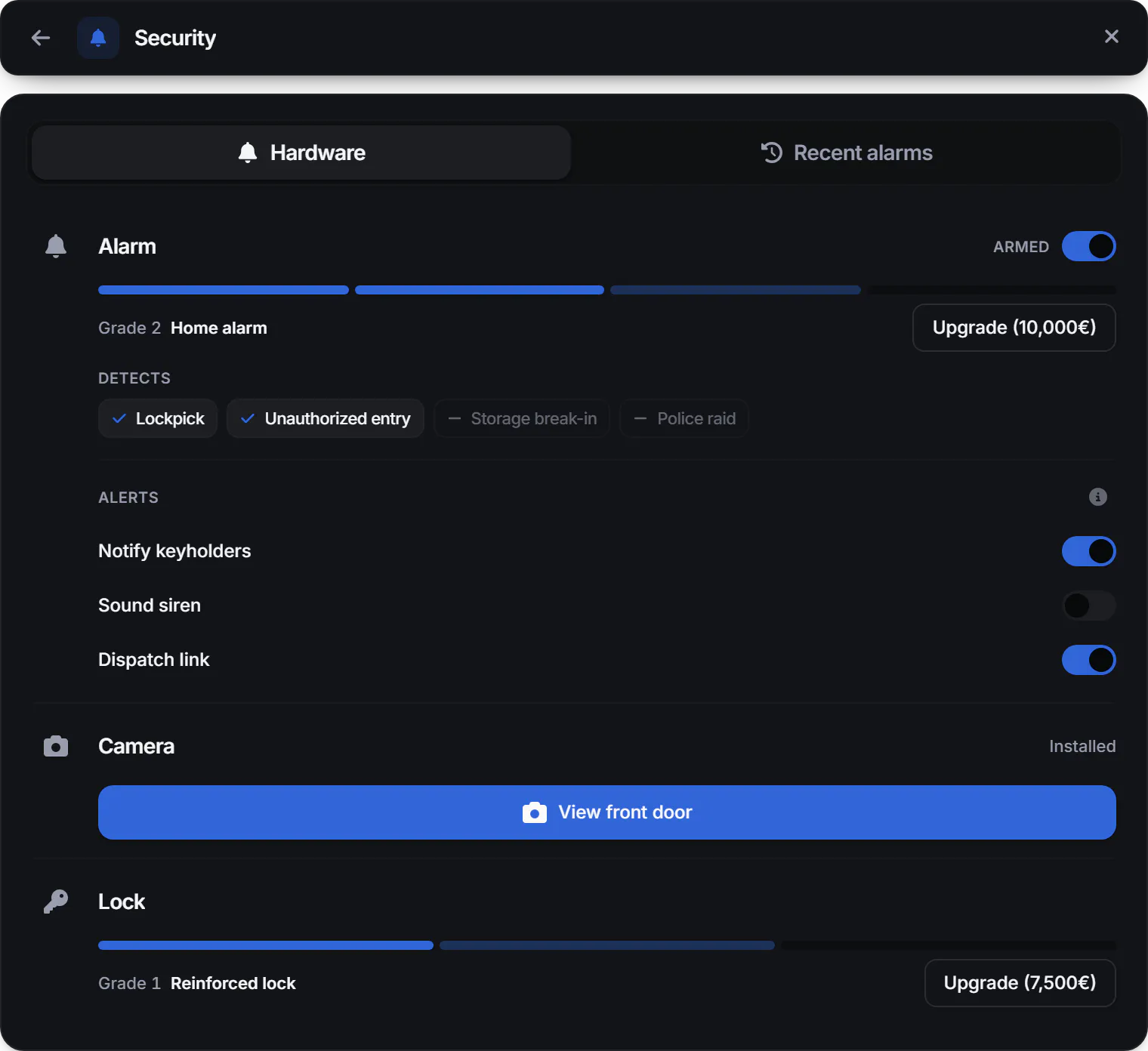
    Three reinforced lock tiers, four alarm coverage tiers and a front door camera. Police can breach the door and lock the house down.

  • Bills, power and running costs

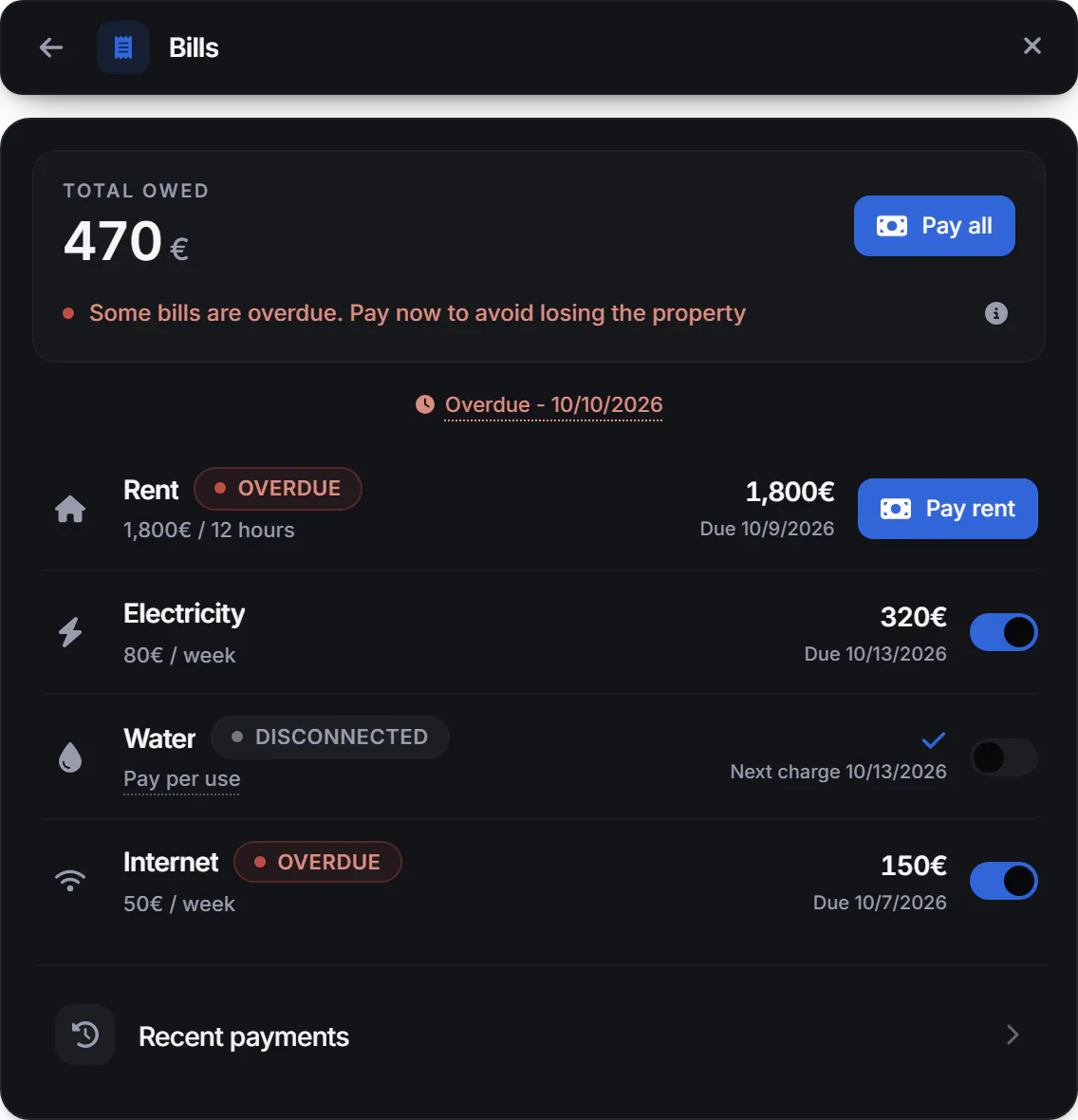
    Electricity, water and internet bills, plus generators and optional batteries for power.

Walk through the interface

Pick a task to see the screen that does it.

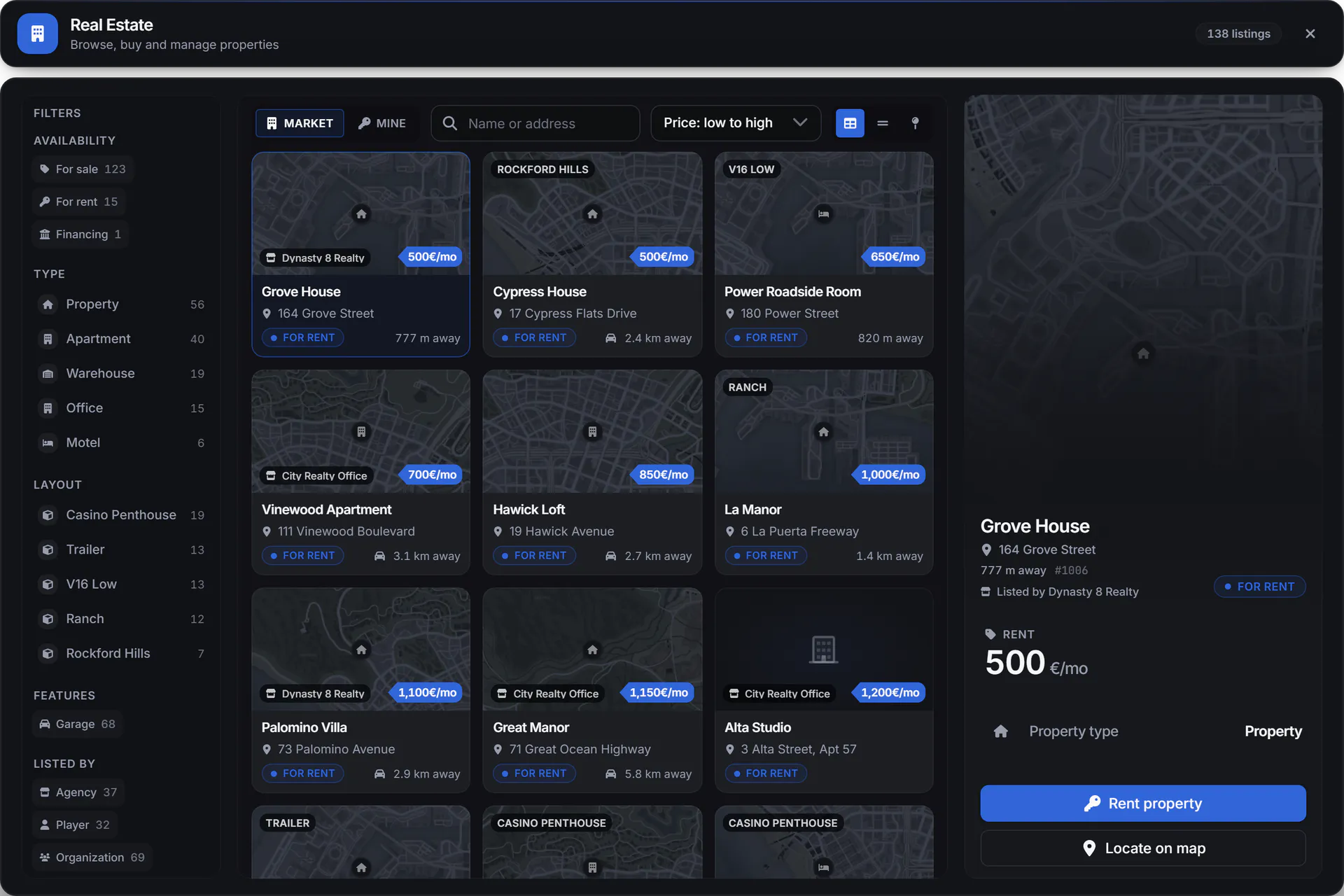
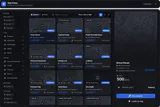
Step 1 of 8: Browse properties to buy or rent

  • Grid, list and map browsing with filters and GPS
  • Purchase, rental and mortgages

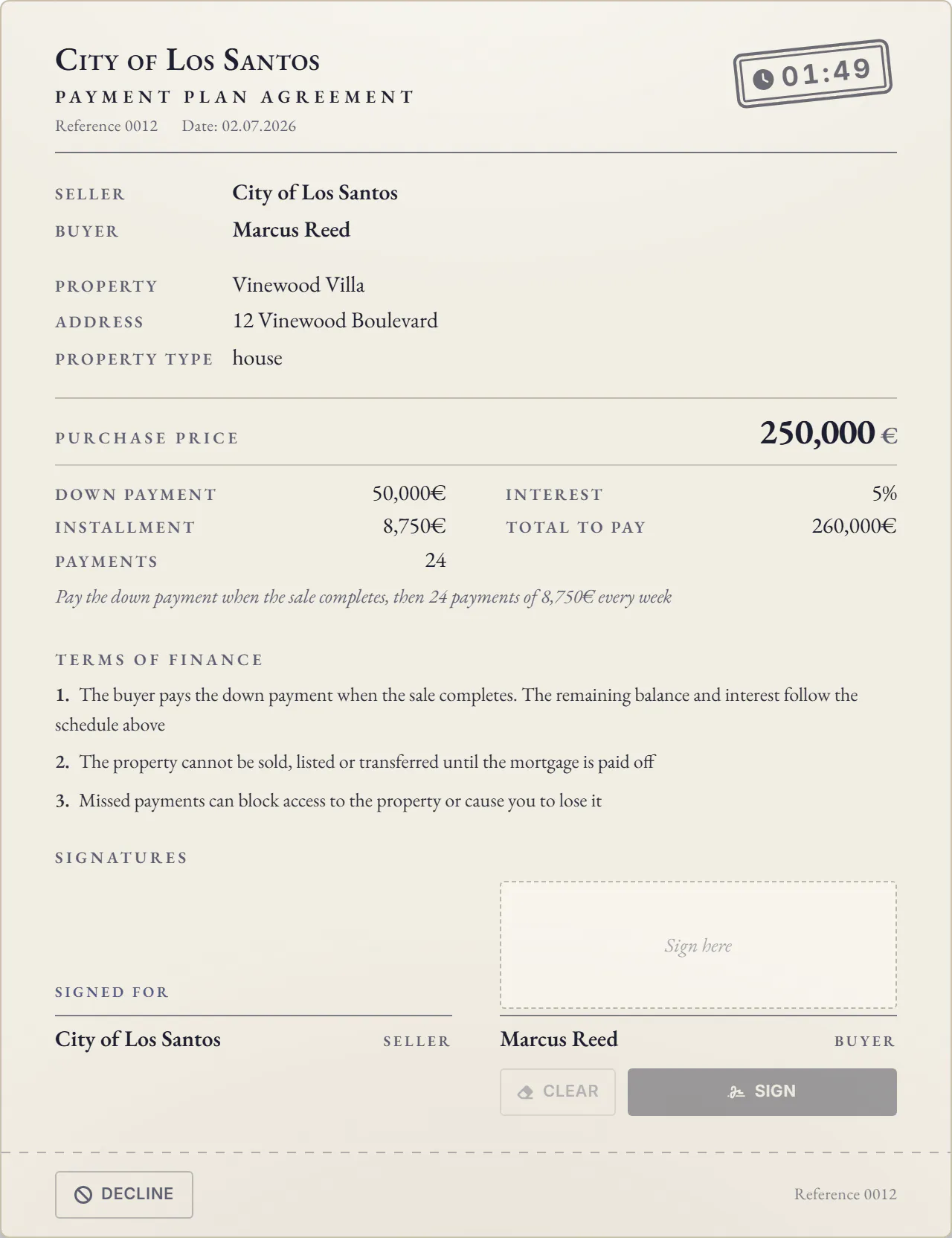
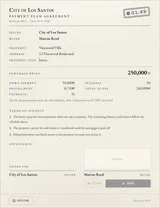
Step 2 of 8: Sign a mortgage payment plan

  • Purchase, rental and mortgages
  • Contracts, resale and transfers

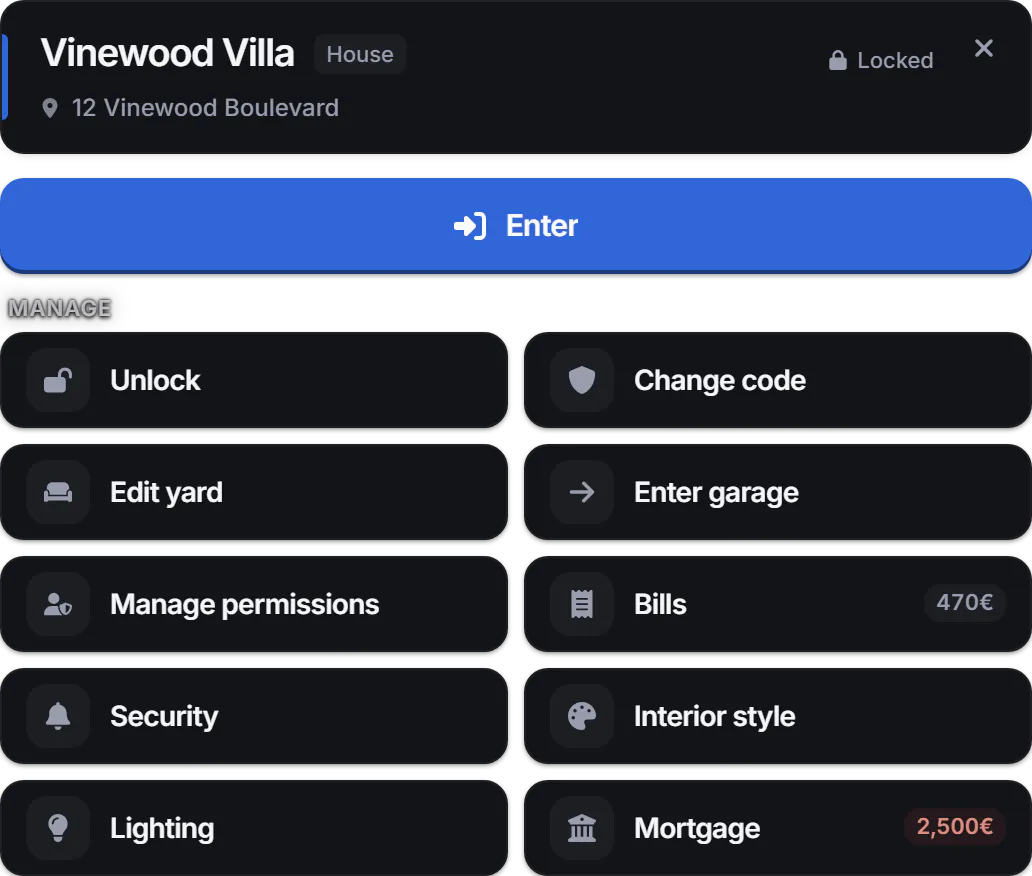
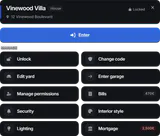
Step 3 of 8: Manage door codes and permissions

  • Codes and doorbells, plus key items when keys are enabled
  • Per-player and per-job permissions

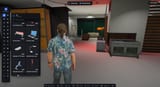
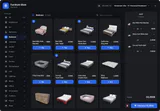
Step 4 of 8: Buy furniture with 3D previews

  • 3D furniture previews

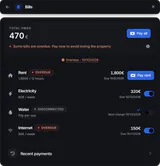
Step 5 of 8: Pay rent, electricity, water and internet bills

  • Service bills and payment history

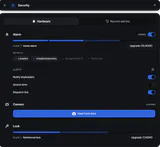
Step 6 of 8: Arm the alarm and view the door camera

  • Reinforced locks and alarms
  • Remote door camera

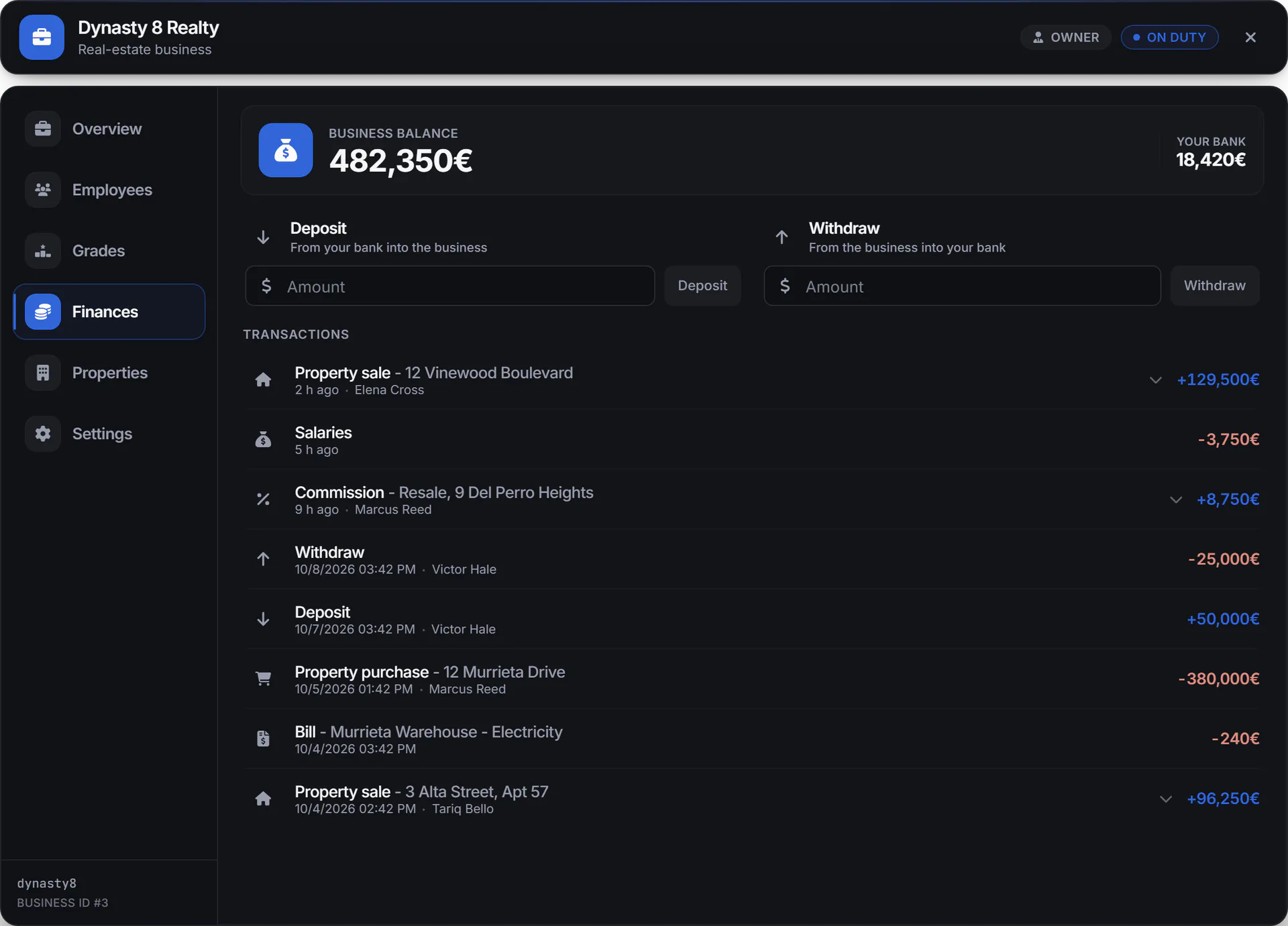
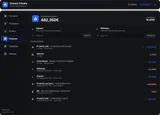
Step 7 of 8: Manage agency funds and commissions

  • Agency funds, employees and commissions

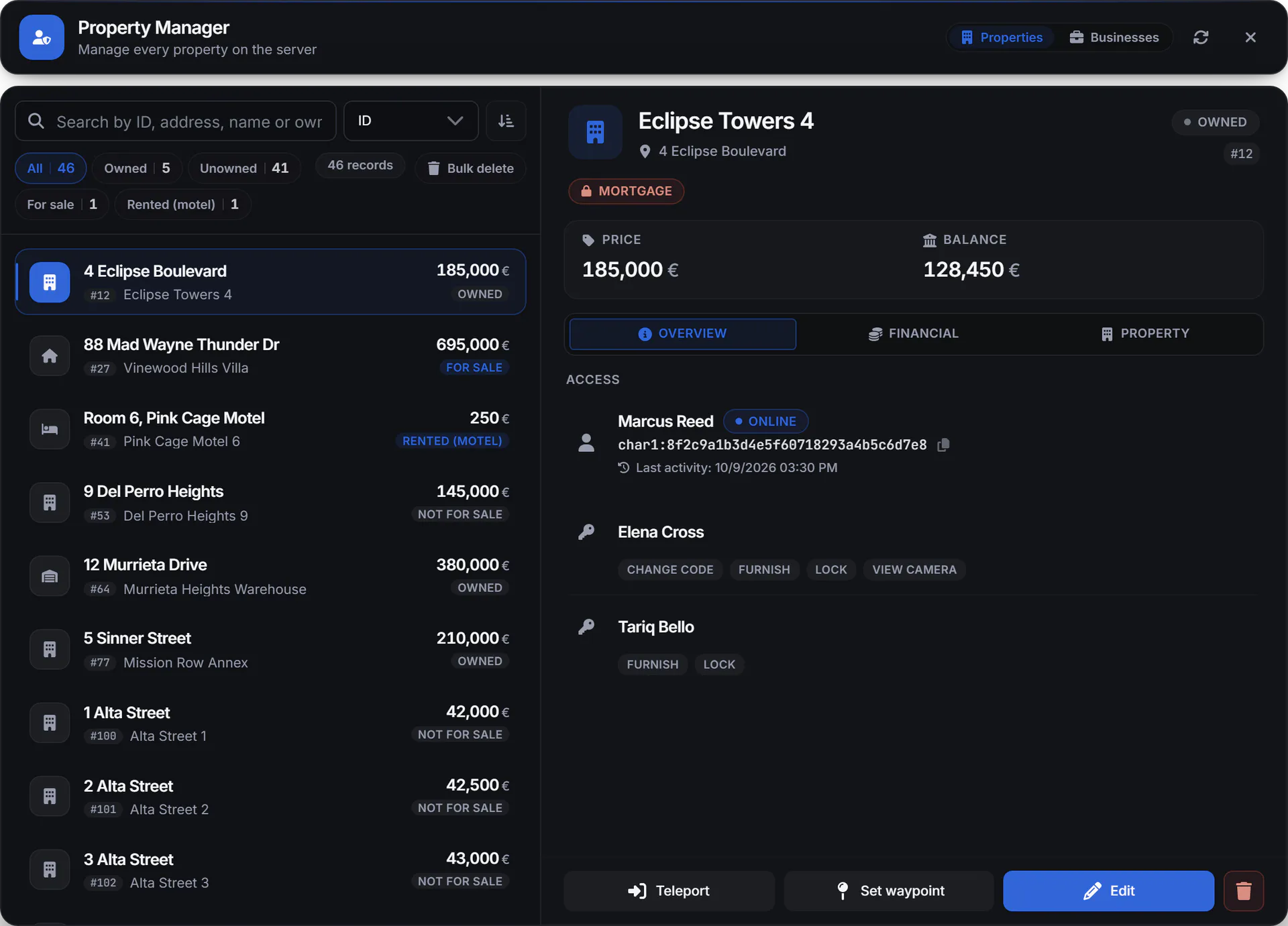
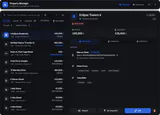
Step 8 of 8: Search, edit or teleport to properties

  • In-game property and admin editing

What Housing System & Shell Creator does

Build interiors inside FiveM

The Shell Creator builds interiors from walls, floors, doors, windows and stairs, with alignment tools and undo and redo. Walk through the space while you build, then use it as a property or move it between servers with import and export. Admins open it with /shellcreator; real-estate agents can too when the config allows it.
Furnish with 3D previews and snapping

Players preview furniture in 3D and place it in the house, garage and yard with a gizmo or crosshair, snapping and colour variants. Structural building works inside custom shells; supported MLOs offer their own styles and tints instead.

Offer more ways to own a property

Players browse properties in grid, list or map view with filters, GPS and interior previews, then buy, rent or take a mortgage. Properties can belong to a player, a job or a business.

Let agencies run the market

Real-estate agencies manage their funds, employees and commissions, and agents create properties in game with /addproperty. Admins edit properties and settings from an in-game admin panel.

Lock, alarm and watch the door

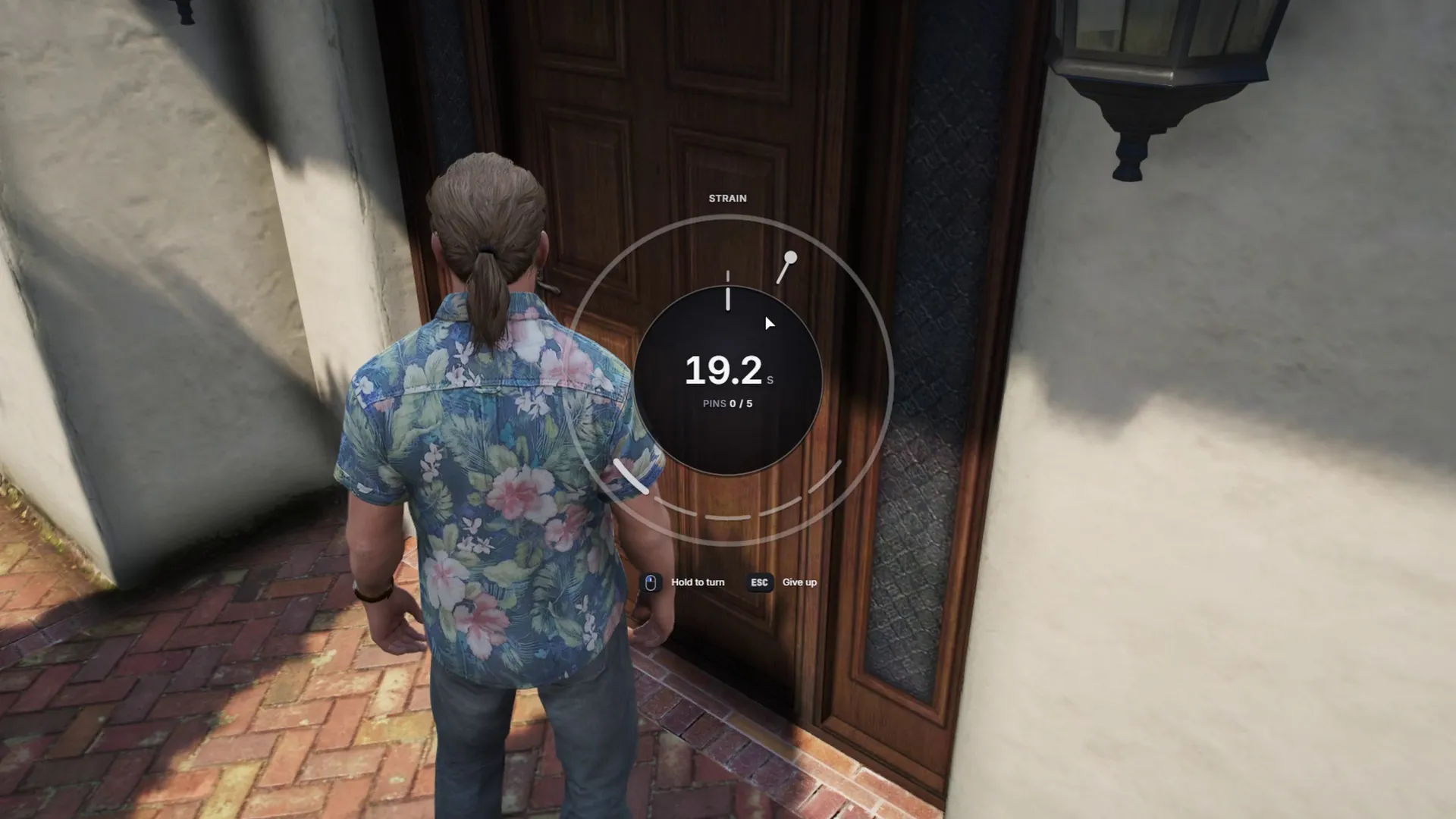
Doors use codes and doorbells. With a non-default inventory you can also enable house key items, and changing a lock invalidates old keys. Reinforced locks come in 3 tiers and alarms in 4 coverage tiers, with a front door camera you watch remotely. Raiders can lockpick the door; police can breach it with a crowbar or lock the house down.

Charge for power, water and internet

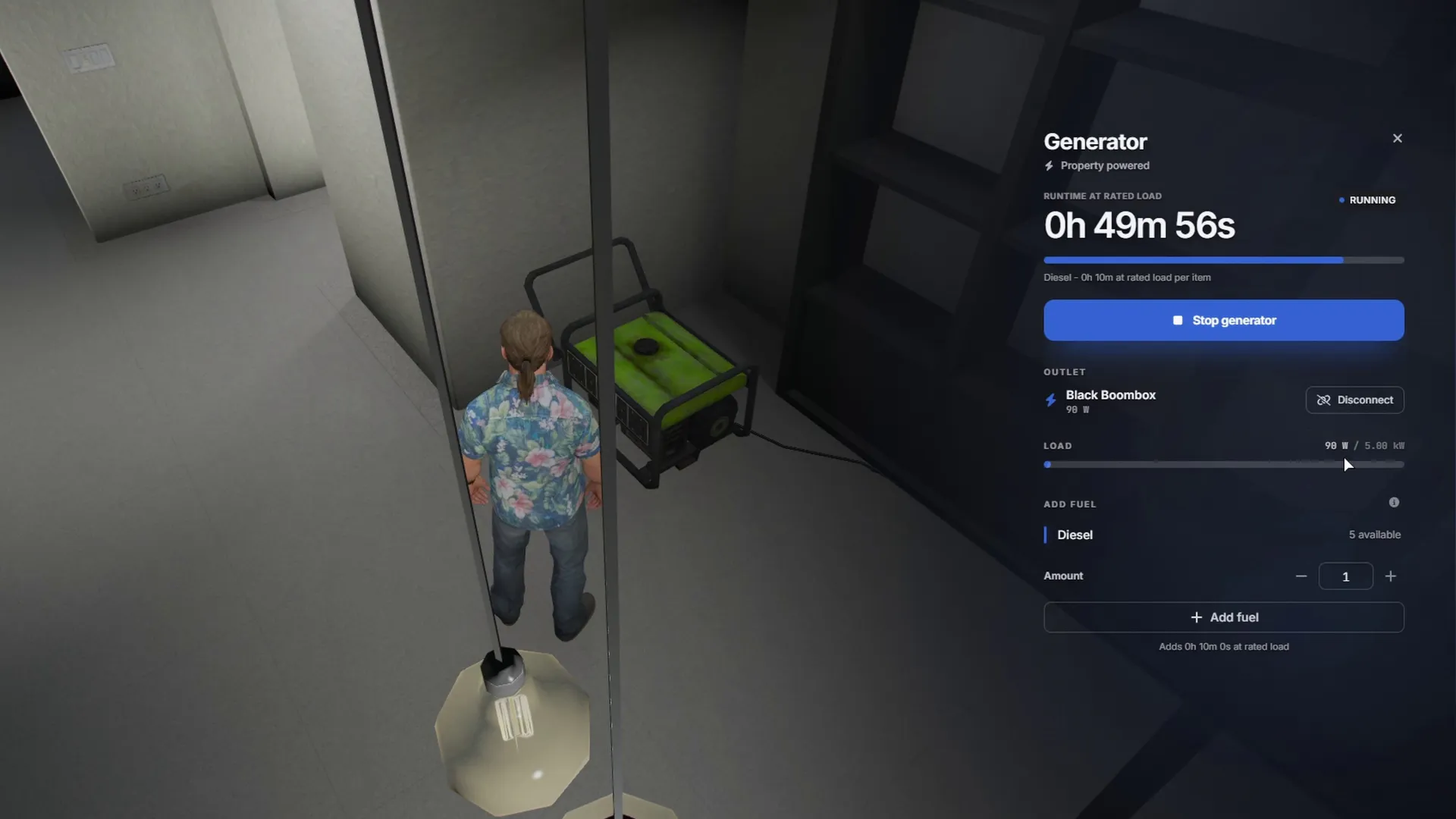
Electricity, water and internet bills come due, and unpaid bills lock the property or repossess it, as set in the config. Advanced power mode makes every appliance draw real watts from the grid, generators or, once enabled, batteries. Weather-linked heating and cooling is off by default, and each system can be tuned down or switched off.

Full feature list

Show the full list Hide the full list

Property discovery and ownership

  • Grid, list and map browsing with filters and GPS
  • Preview a property's interior before buying
  • Purchase, rental and mortgages
  • Contracts, resale and transfers
  • Motels and apartments, plus starter homes when enabled
  • Player, job or business ownership

Access and security

  • Codes and doorbells, plus key items when keys are enabled
  • Per-player and per-job permissions
  • Lock changes invalidate keys
  • Reinforced locks and alarms
  • Remote door camera
  • Lockpicking, police breach and lockdown
  • Three lock tiers and four alarm coverage tiers
  • Dispatch alerts through tk_dispatch, cd_dispatch or your own

Furnishing and construction

  • 3D furniture previews
  • Gizmo and crosshair placement with snapping
  • Colour variants; furniture storage and resale
  • House, garage and yard furnishing
  • Structural construction in custom shells only
  • Styles and tints for supported MLOs
  • More than 3800 furniture items in 25 categories

Home activities

  • Adjustable lights and switches
  • Spatial music from radio, YouTube, SoundCloud and Spotify links, and TV everyone sees in sync
  • Picture frames with a crop editor and in-game photos
  • Cooking, bathing, seating and exercise
  • Stashes, wardrobes and mirrors
  • Assistant tablet with 3 personas and voice lines (game build 3717 or newer)
  • Mirrors open your clothing, barber or tattoo menu

Running the home

  • Saved garage vehicle condition
  • Service bills and payment history
  • Configurable lockout and repossession
  • Flat power bill, or per-appliance watts with grid, local or off-grid supply
  • Generators and wiring, plus batteries in the per-appliance power mode
  • Weather-linked heating and cooling, off by default

Agency and creator tools

  • Agency funds, employees and commissions
  • In-game property and admin editing
  • Shell building with undo, redo and alignment
  • Shell walkthroughs and import and export
  • MLO and IPL access-point editor
  • English, Finnish and French included, translatable
  • One SQL import, then the database updates itself
  • Upgrading from V2 keeps every player's property

Requirements and compatibility

Qbox runs through its QBCore support; inventory and dispatch can stay on the config default, and the garage menu is built in or jg-advancedgarages. Property photos are optional and need a Fivemanage token. Shell Creator doors need setr game_enableDynamicDoorCreation "true" in server.cfg. Mirrors work with 12 clothing scripts, including illenium-appearance and qb-clothing.

Shells are not included with the script; get them separately.

Check compatibility in the Housing System & Shell Creator docs (external site)

Where a row says “or”, one of them is enough.

Frameworks

Supports ESX, QBCore and Qbox

Other frameworks: Custom (see the note under the table)

Qbox is also known as qbx.

Required
  • Shells: the K4MB1 starter shells by default (link in the README); other shells can be set in config
  • tk_housing_props (delivered with the script on the Cfx.re Portal)
Code access
Protected by Cfx.re Asset Escrow. The config files and editable files are open for you to change, including all framework-specific functions and events.
All compatibility details
Resource name
tk_housing
Database
oxmysql or mysql-async
Inventory
ox_inventory, qb-inventory, qs-inventory or Custom (see the note under the table)
Target
ox_target, qb-target, Built-in prompts or Custom (see the note under the table)
Dispatch
tk_dispatch, cd_dispatch or Custom (see the note under the table)
Languages
English, Finnish, French

Custom: the integration code is editable, so you can add your own resource. Setup required.

Updates, support and terms

Update policy, Discord support and the Terms of Service

Updates

We release updates from time to time, as set out in our Terms of Service.

New major versions are free for existing owners.

Current version 3.1.0, updated 21 October 2026.

All updates on the TK Scripts changelog

Support

Open a ticket on Discord (external site)

Open Housing System & Shell Creator documentation (external site)

Terms

The Terms of Service cover refunds, updates and support.

Read the Terms of Service

Questions before you buy

I own Housing V2. Do I pay for V3?

No. Housing V2 owners got V3 as a free update. Upgrading migrates your V2 data and keeps a backup; drop it with /housing_dropbackups confirm in the server console when you no longer need it.

Are shells included?

No, shells are not included. By default it uses the K4MB1 starter shells linked in the README, and you can change the shells in the config.

Is the Shell Creator a separate script?

No, it’s built in. Admins build new interiors with /shellcreator (agents too, when Config.ShellBuild.agents allows it) and edit existing ones, MLO and IPL interiors included, with /shelleditor. Add setr game_enableDynamicDoorCreation "true" to server.cfg so Shell Creator doors work.

Does it work with QBCore and Qbox?

Yes. It supports ESX, QBCore and Qbox. Set Config.Framework to esx, or to qb for QBCore and Qbox.

Buying, code access and refunds: store FAQ and where to buy

Works with other TK Scripts products

These connect with Housing System & Shell Creator. Each is sold separately.

  • Live call and unit map, shared drawings, 8 premade alerts and an arrow-key call manager.

    Supports ESX, QBCore, Qbox and Standalone

    Top 3 dispatch script on FiveM

    500+ servers (5Metrics, checked 11 October 2026)

    €14.99+ VAT at checkout, one-off

Server counts: 5Metrics, checked 11 October 2026. Detected servers running each script, rounded down.

Get Housing System & Shell Creator

€29.99 + VAT, one-off. Or subscribe to Ultimate for €39.99/month + VAT: this script plus 32 more.

Renews monthly. Cancel any time in your Tebex payment portal. Scripts stop after the paid period. All sales are final; no refunds.

Checkout by Tebex. Terms of Service

How billing works

Tebex charges the plan price every month until you cancel and emails you a reminder about three days before each charge. Cancel any time in your Tebex payment portal. Your plan then shows as Ending: it stays active but will not renew. Scripts keep working until the end of the paid period, then stop. Your monthly price stays the same while your subscription stays active (before VAT). Next: log in with Cfx.re, then pay on Tebex.

Housing System & Shell Creator €29.99 + VAT Ultimate plan

Add to cart: Housing System & Shell CreatorView cart