

Build routes into the map
Define fixed zipline locations in the config and give each its own pole model and maximum angle. Players can add routes of their own with the zipline item, inside the distance limits you set.
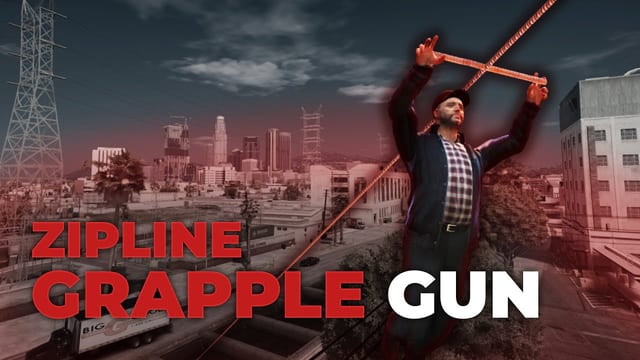
Run ziplines across your FiveM map: fixed routes, lines players place with an item or gun, and a grapple gun.
Supports ESX, QBCore, Qbox and Standalone
Video published . Plays from YouTube (Google), which may store data on your device. Watch on YouTube: Zipline & Grapple Gun showcase
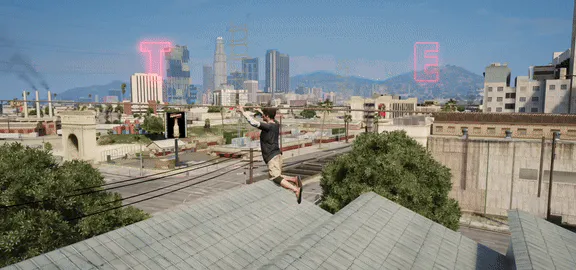
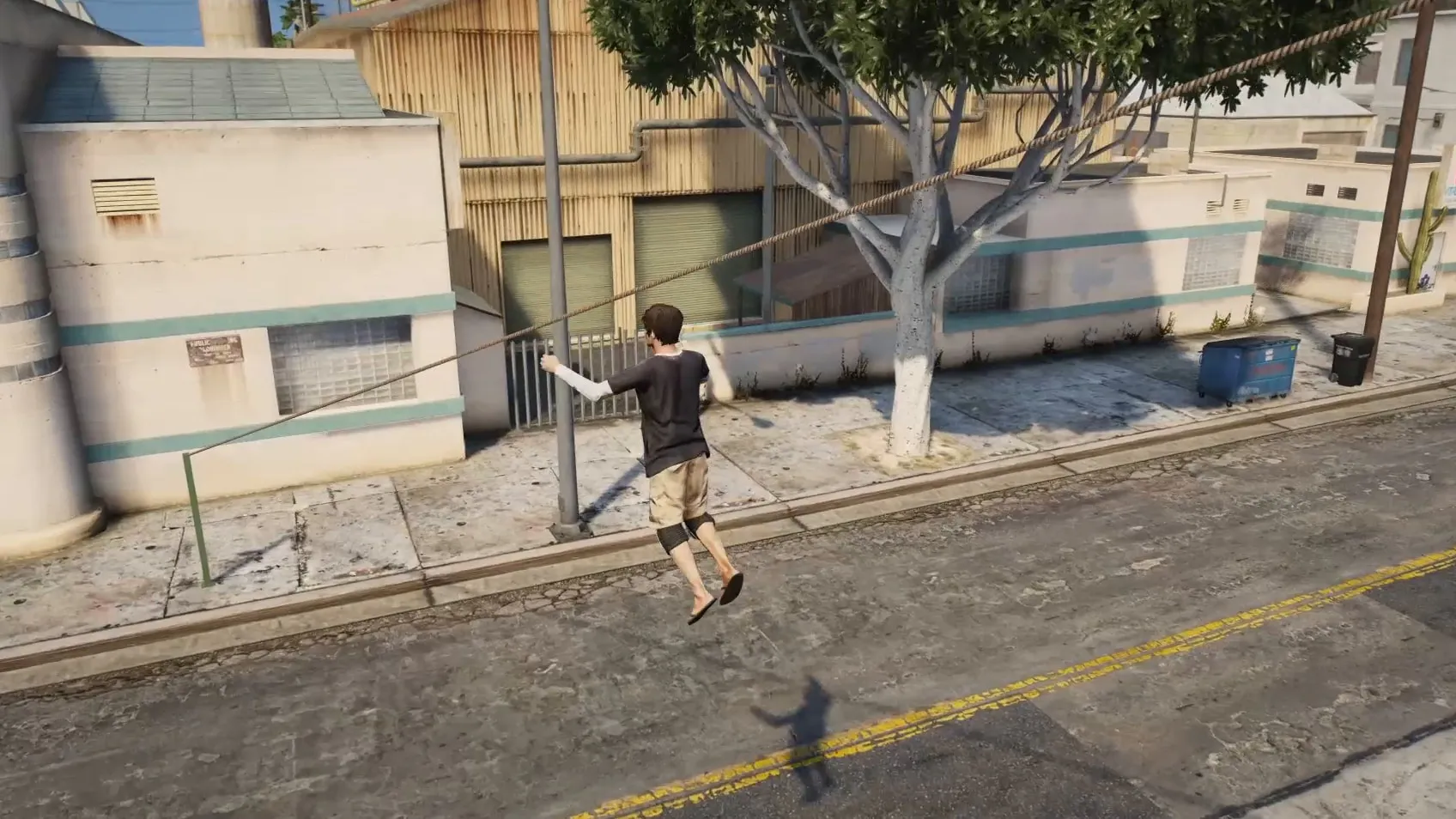
Above the rooftops
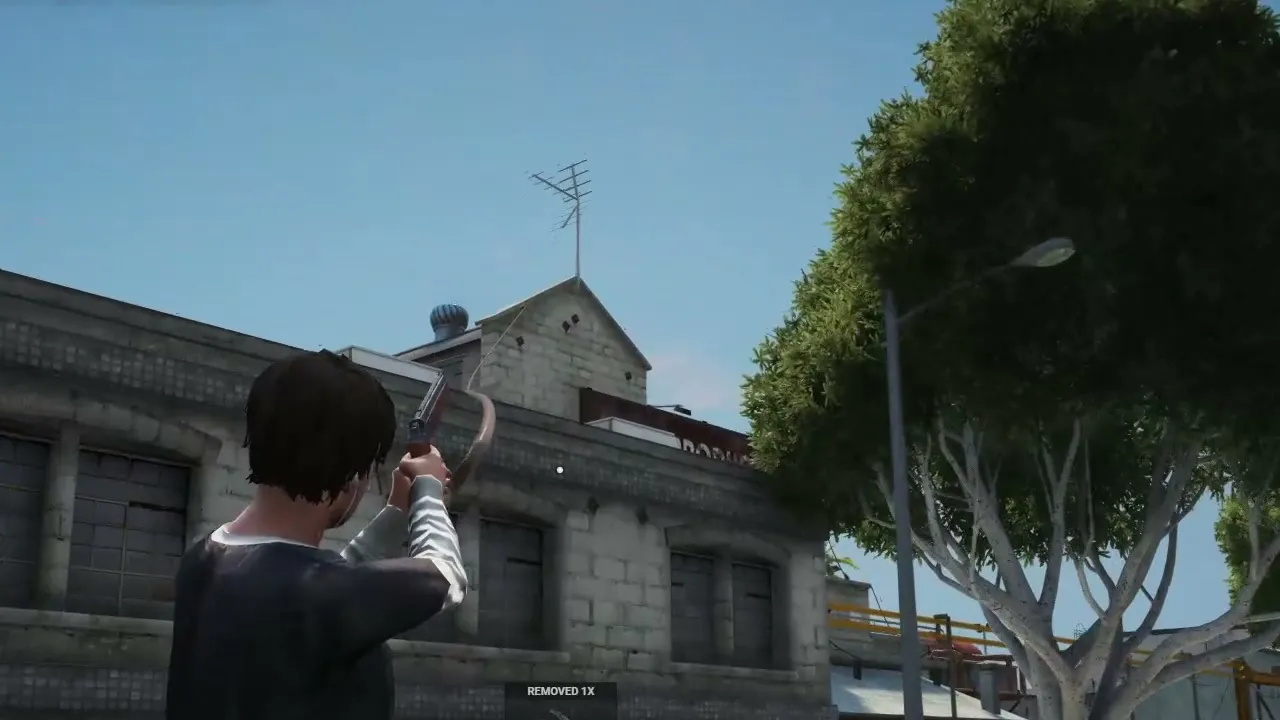
Aiming the grapple gun
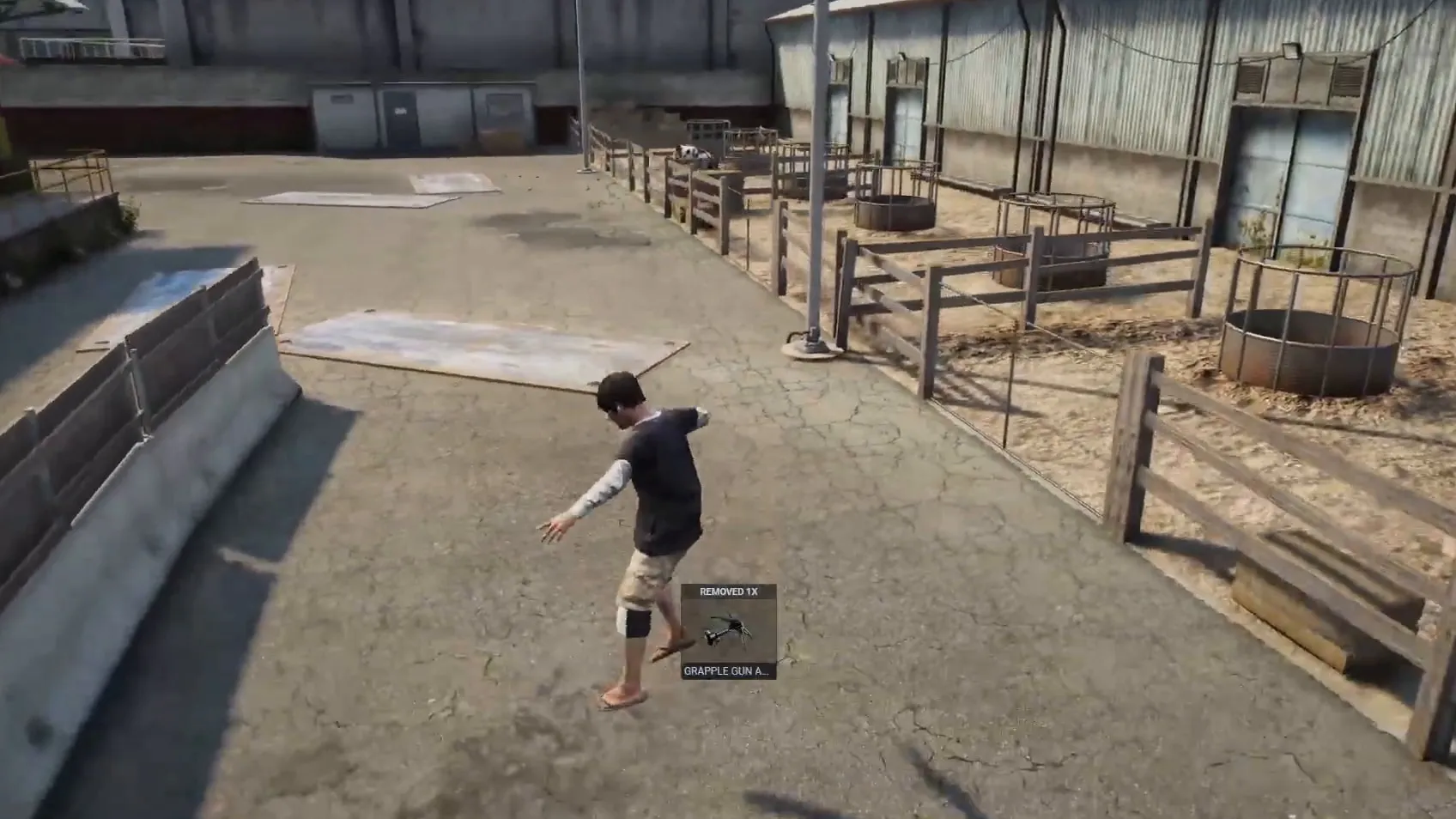
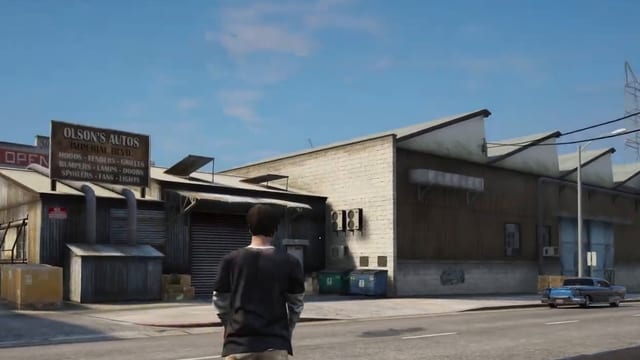
Grapple gun, ranch yard
+ bought in the last 30 days
€14.99 + VAT at checkout
Supports ESX, QBCore, Qbox and Standalone
+ bought in the last 30 days
Ultimate Full access
€39.99/month + VAT
33 scripts that cost €549.67 + VAT bought one by one, plus every future release.
Renews monthly. Cancel any time in your Tebex payment portal (external site). Scripts stop after the paid period.
Covers scripts and bundles, and on a plan the first payment only. Not valid on gift cards. One use per customer or IP address. Enter it in your cart under Have a code?, or at Tebex checkout.
It runs standalone or on ESX, QBCore and Qbox, and supports ox_inventory, qb-inventory, ox_target and qb-target. Speed, angle, distance, ammo and persistence are all set in the config.
Players place ziplines with an item, within a minimum and maximum distance you set, and can remove them.
Choose in the config whether placed ziplines stay after a server restart.
All framework-specific code is editable, so you can connect a custom framework, inventory or target.
Places ziplines faster and further away than the item, using zipline ammo you can configure or remove.
The grapple gun is the fastest way to travel and leaves no zipline poles behind.
Predefine ziplines in the config, each with its own pole model and maximum angle.
Erittäin realistinen scripti!
Translated by TK Scripts: A very realistic script!
These are public Cfx.re forum posts and YouTube comments selected by TK Scripts and linked to the original. They are not verified purchases.
To have your comment removed from this site, contact TK Scripts support on Discord (external site).
Define fixed zipline locations in the config and give each its own pole model and maximum angle. Players can add routes of their own with the zipline item, inside the distance limits you set.
The zipline gun works like the item but sets up lines faster and from further away. The grapple gun is faster still.
ox_inventory, qb-inventory and customox_target, qb-target and customOn ESX, QBCore and Qbox, ziplines save to oxmysql or mysql-async after you import tk_zipline.sql, or to KVPs with no database. On standalone, players place ziplines with the zipline gun, as the zipline item needs a framework.
Check compatibility in the Zipline & Grapple Gun docs (external site)
Where a row says “or”, one of them is enough.
Supports ESX, QBCore, Qbox and Standalone
Other frameworks: Custom (see the note under the table)
Qbox is also known as qbx.
tk_ziplineCustom: the integration code is editable, so you can add your own resource. Setup required.
We release updates from time to time, as set out in our Terms of Service.
New major versions are free for existing owners.
All updates on the TK Scripts changelog
The Terms of Service cover refunds, updates and support.
Yes. Besides ox_inventory, qb-inventory, ox_target and qb-target, it supports custom ones, and all framework-specific code is editable. No other resources are required.
Buying, code access and refunds: store FAQ and where to buy
€14.99 + VAT, one-off. Or subscribe to Ultimate for €39.99/month + VAT: this script plus 32 more.
Renews monthly. Cancel any time in your Tebex payment portal. Scripts stop after the paid period. All sales are final; no refunds.
Checkout by Tebex. Terms of Service
Tebex charges the plan price every month until you cancel and emails you a reminder about three days before each charge. Cancel any time in your Tebex payment portal. Your plan then shows as Ending: it stays active but will not renew. Scripts keep working until the end of the paid period, then stop. Your monthly price stays the same while your subscription stays active (before VAT). Next: log in with Cfx.re, then pay on Tebex.