Analytics runs only if you accept. No names, codes or payment details are sent, and shopping works the same either way. Details: privacy and cookies.

  • Necessary Keeps your cart and this choice in your browser so the store works. We ask again after 12 months.
    Always on
  • Analytics (PostHog) Counts pages, clicks and store actions with your device type and rough location, and may record your visit with typed text hidden. Its cookie lasts 365 days. Data is stored in the EU.
    Off
  • Videos Product videos load from YouTube (Google) only when you press Play. YouTube may store data on your device. If you reject, Play opens the video on youtube.com in a new tab instead.
    When you press Play

With analytics on, the site keeps this visit's campaign source in this tab until you close it.

Change your choice any time with Cookie settings at the bottom of the page.
Ownable Gas Stations & Fuel System

Players buy and run FiveM gas stations: they restock the fuel, set the price per litre and earn from every sale.

Supports ESX, QBCore and Qbox

Buy or subscribe

One-off purchase

€14.99 + VAT at checkout Same price for both

Supports ESX, QBCore and Qbox

Included in Ultimate

Compare subscriptions

Ultimate Full access

€39.99/month + VAT

33 scripts that cost €549.67 + VAT bought one by one, plus every future release.

Subscribe to Ultimate

Renews monthly. Cancel any time in your Tebex payment portal (external site). Scripts stop after the paid period.

15% off one order Terms

Covers scripts and bundles, and on a plan the first payment only. Not valid on gift cards. One use per customer or IP address. Enter it in your cart under Have a code?, or at Tebex checkout.

Discount code NEW15

Gift to another account:

ESX v2.1.9, QBCore v1.1.1 (19 Nov 2025)

By default each player can buy up to three stations; the config changes the limit. Owners can also withdraw or deposit the station's money. ESX and QBCore are sold as separate packages, and the QBCore package also runs on Qbox.

At a glance

  • Players own gas stations

    Players buy a station, then run it from the station itself.

  • Earn from every sale

    Money other players spend on your station's fuel goes into its bank account.

  • Unowned stations sell fuel too

    Stations without an owner sell fuel by default, at a price set in the config; a config option turns this off.

  • Set the fuel price

    Owners set the price per litre that other players pay at their pumps.

  • Restock with a tanker truck

    Owners buy more fuel; if the config requires it, they collect it with a truck.

  • Rename, transfer or sell

    Owners can rename the station, hand it to another player or sell it.

What Ownable Gas Stations & Fuel System does

Run a station from its forecourt

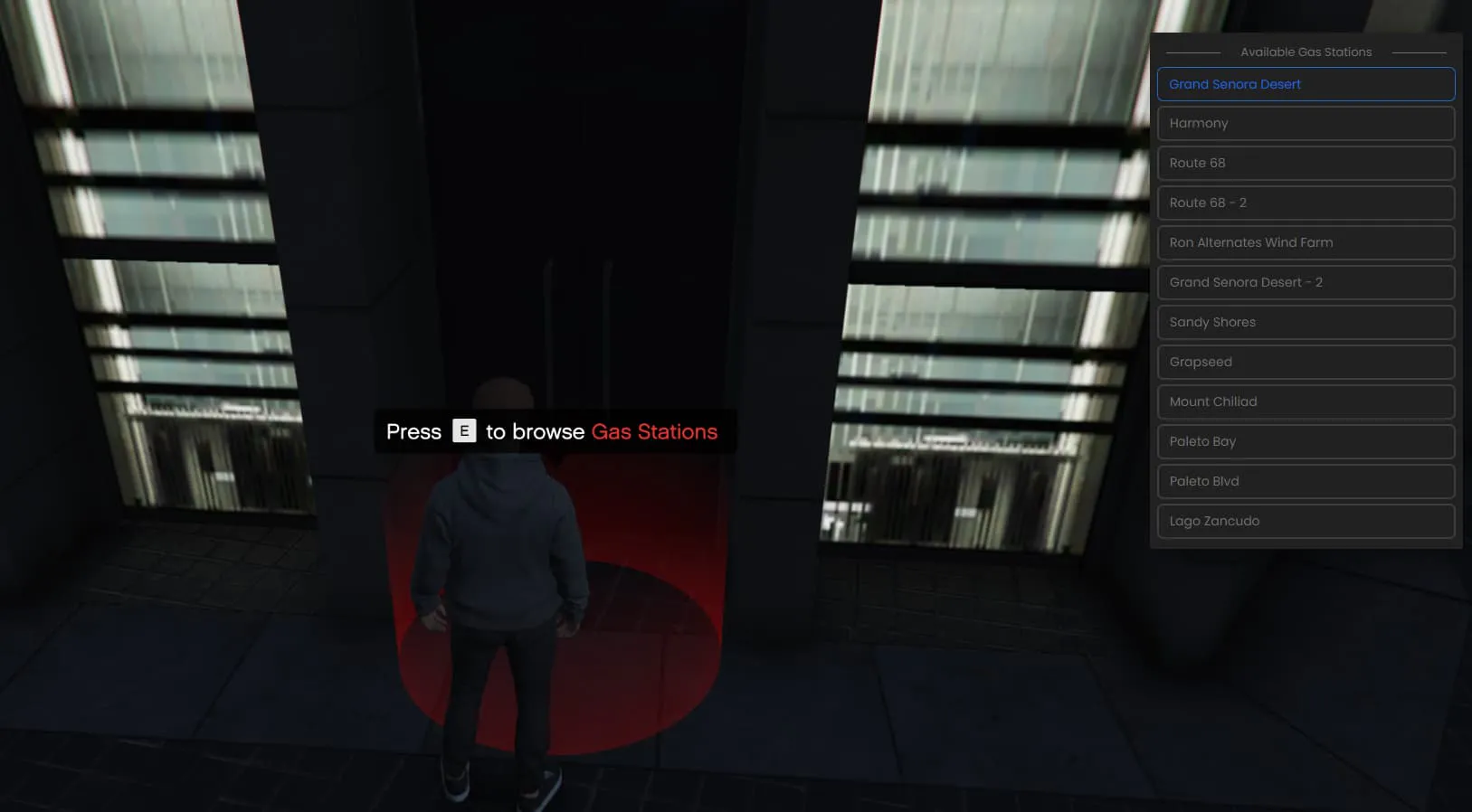
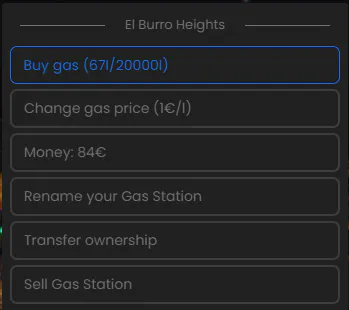
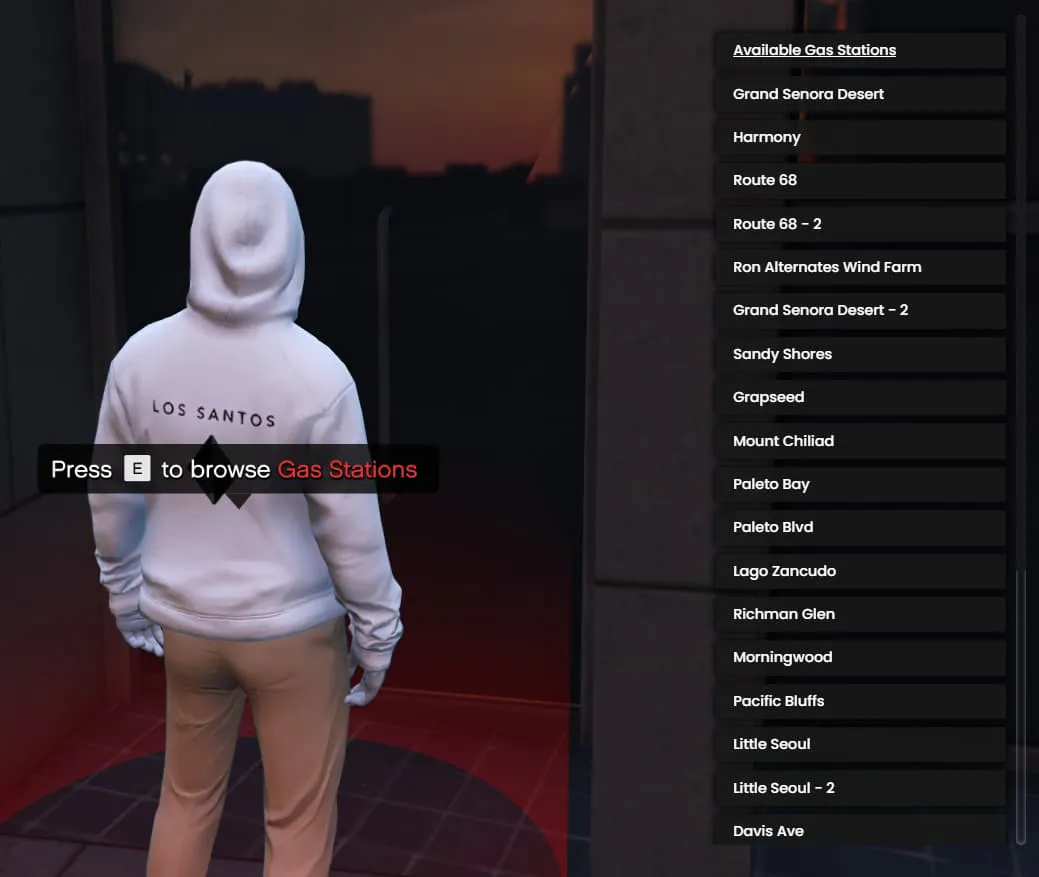
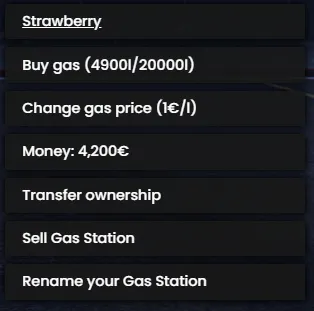
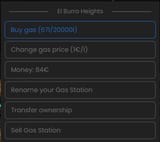
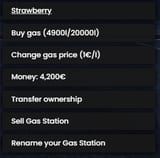
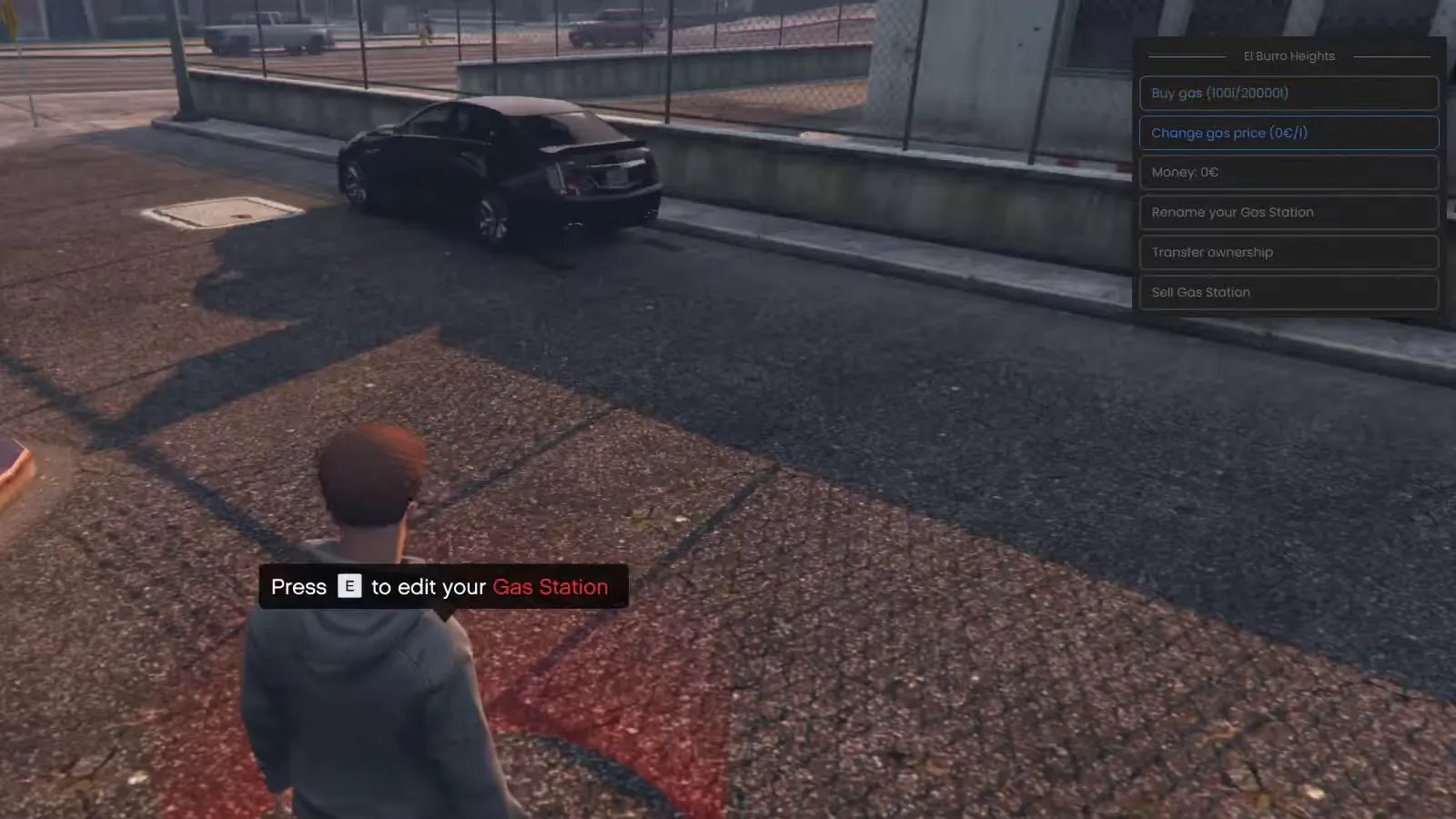
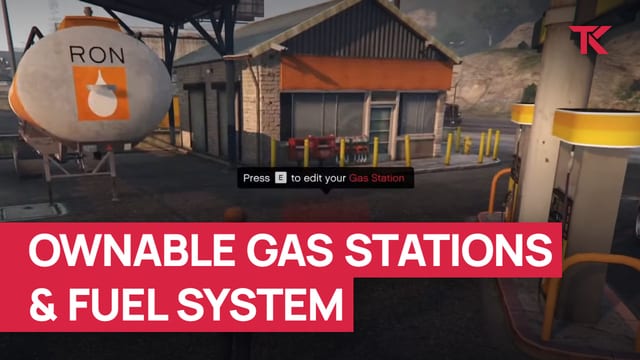
Players pick a free station from a list, and once they buy it, a marker on its forecourt opens the station menu. From there they buy fuel, change the price, take money out or put it in, and rename, transfer or sell the station.

Drive the fuel in by tanker

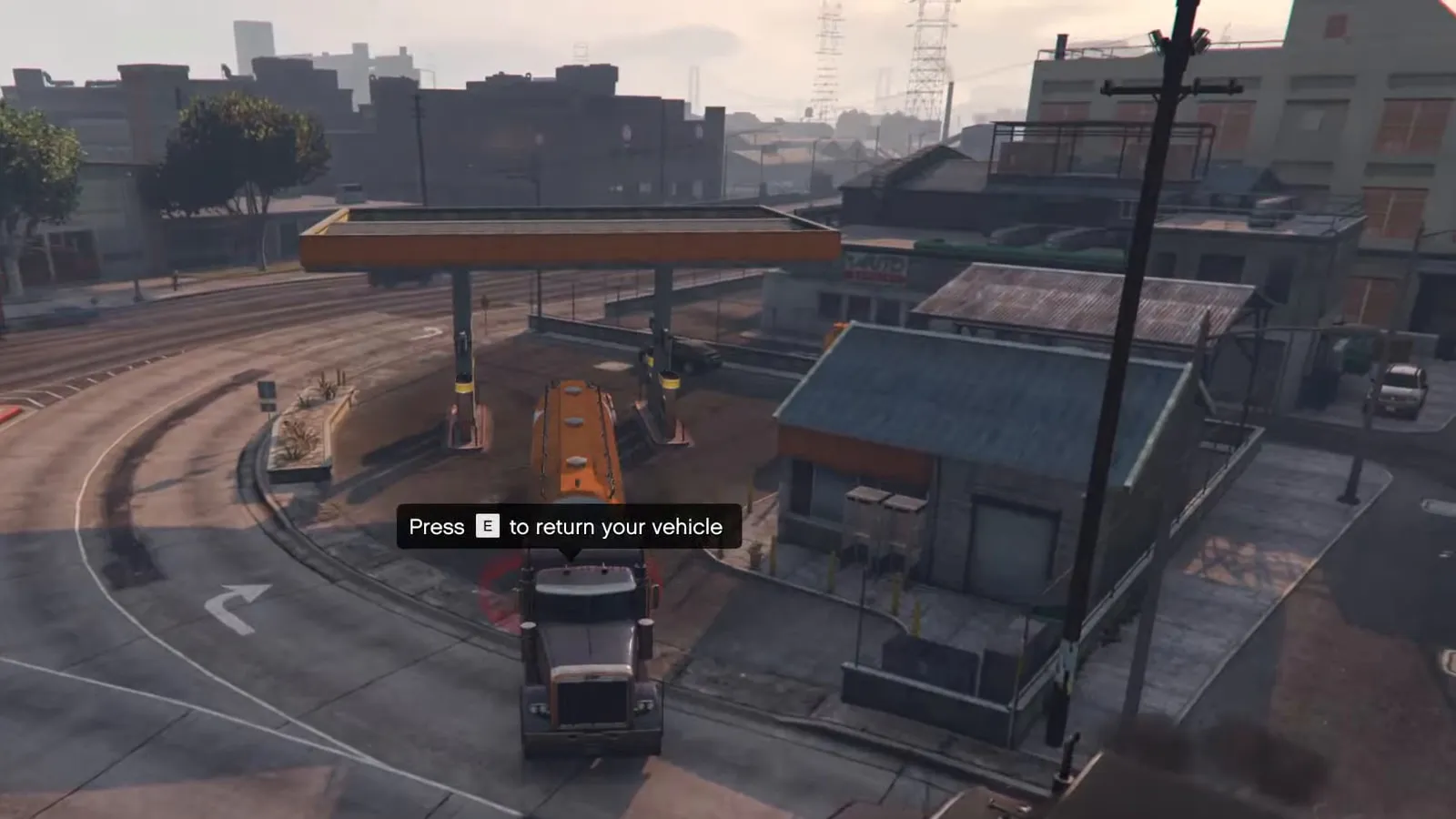
Station owners buy more fuel from the station menu. By default they collect it in a truck they are given: fill the tanker at the pickup marker, then drive back and return the truck. The config sets how much the tanker holds, or turns the truck run off.

Sell fuel at every pump

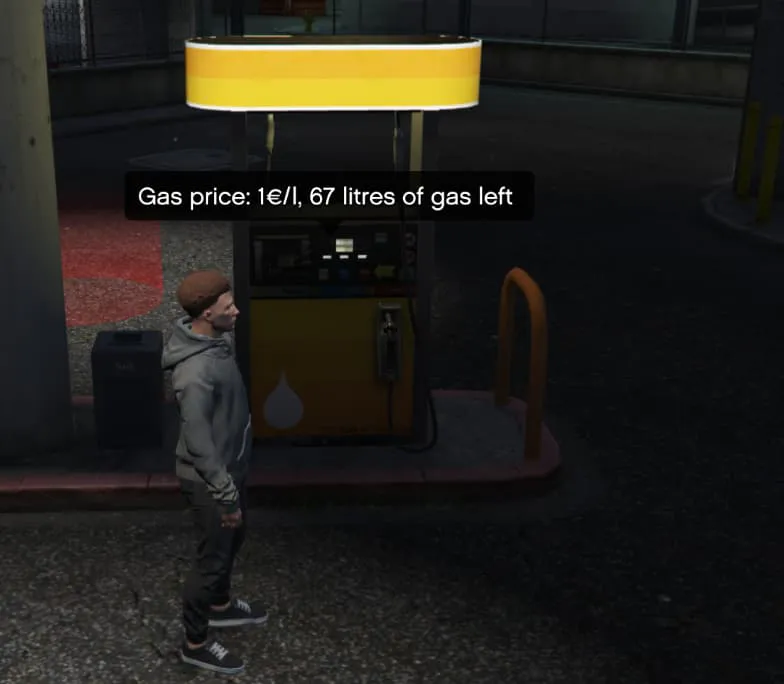
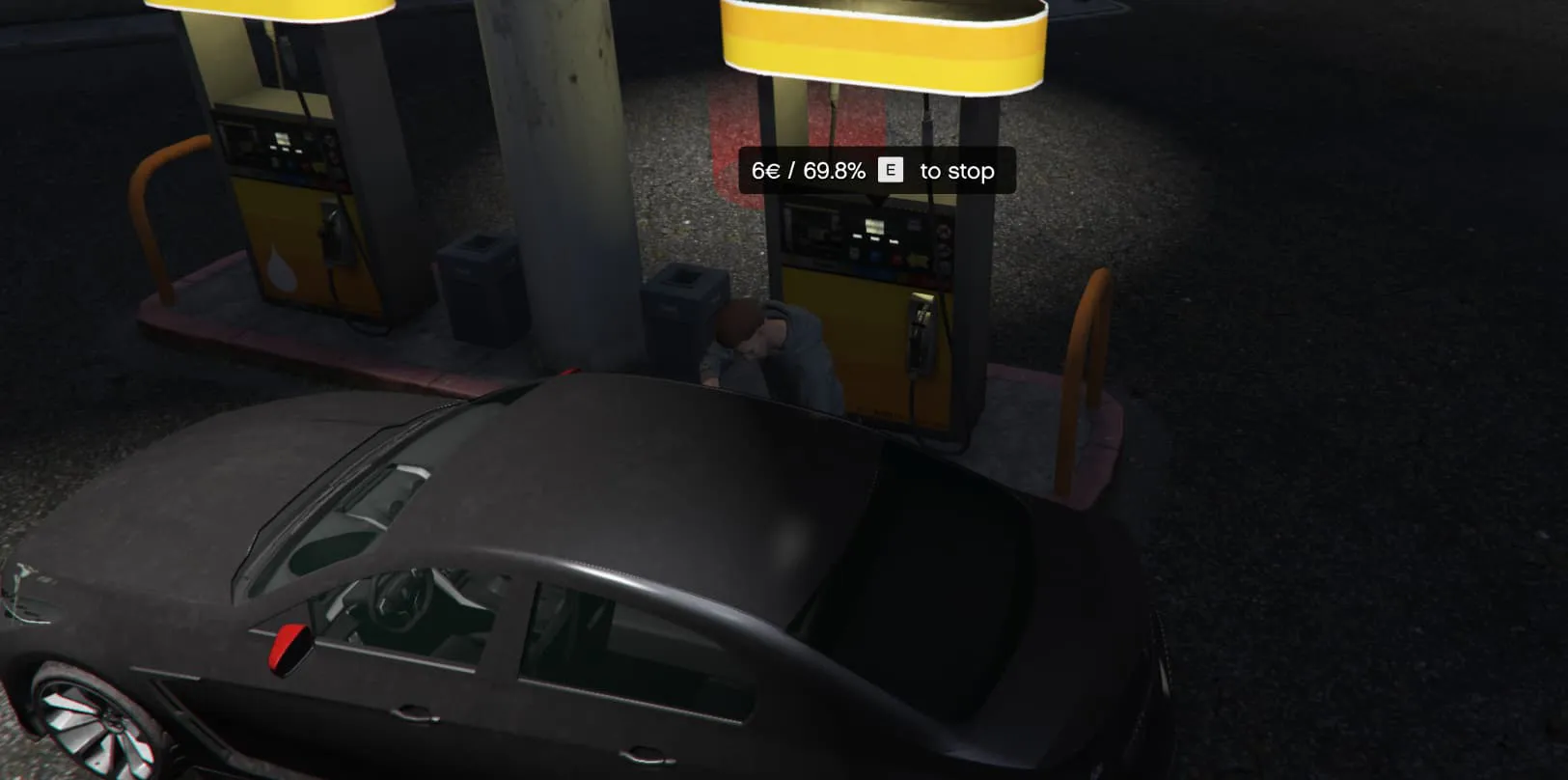
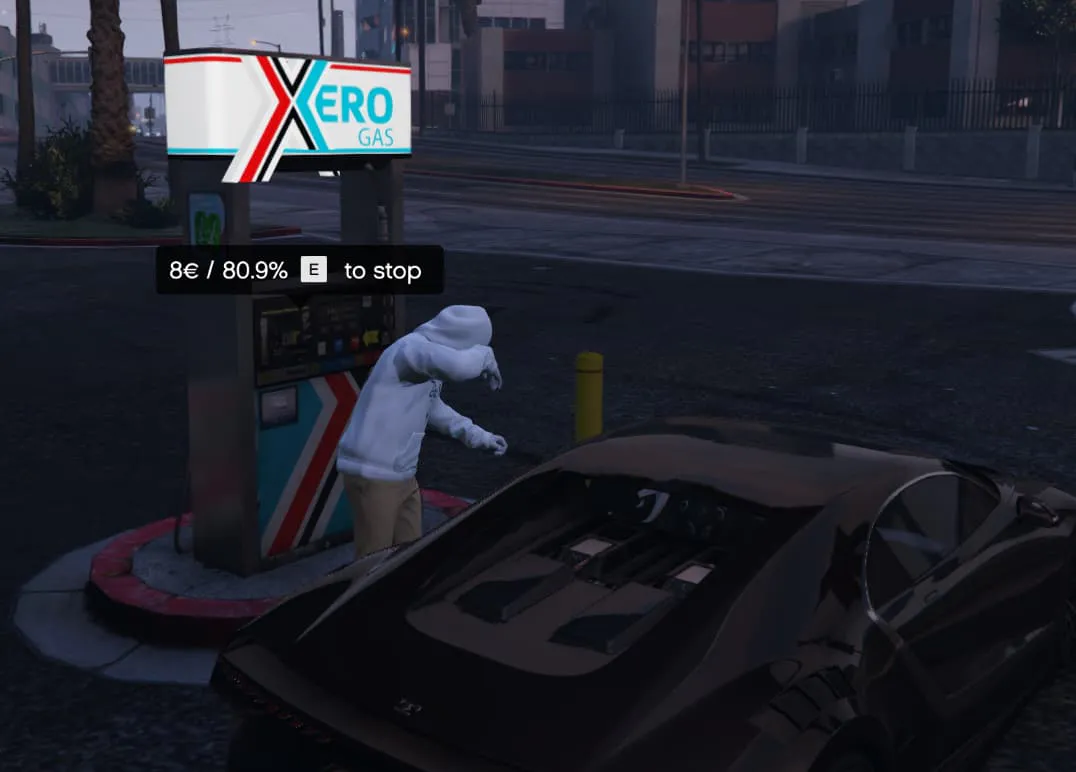
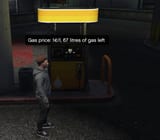
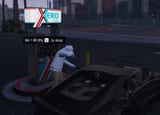
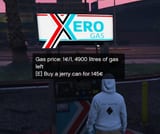
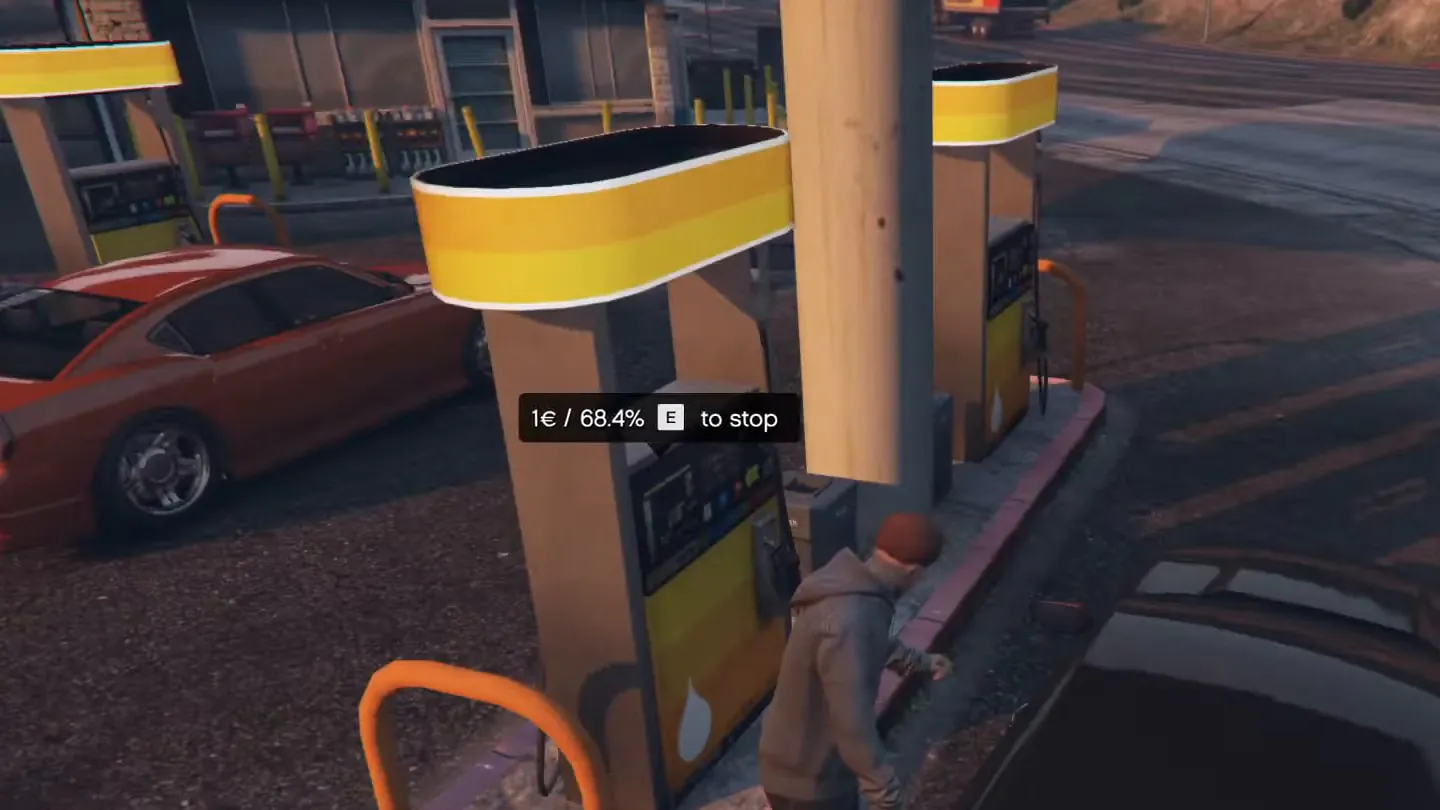
At an owned station, the pump shows the price per litre and how much fuel is left. While players refuel, it shows the cost so far and the car's fuel level, and the money goes to the station's bank account. When the station runs dry, its pumps stop until the owner buys more fuel.

Full feature list

Show the full list Hide the full list

Owning a station

  • Buy a gas station and edit it from the station
  • Buy more fuel; the config can require a truck to collect it
  • Change the fuel price
  • Withdraw or deposit money
  • Rename the gas station
  • Transfer ownership to another player
  • Sell the gas station
  • Money other players spend on fuel goes to the station's bank account

Where players buy fuel

  • Players buy fuel at stations that have an owner
  • Stations without an owner sell fuel by default, with unlimited fuel; a config option turns this off

Station and fuel settings

  • Change gas station prices
  • Set the maximum fuel a tanker truck can carry
  • Adjust vehicle fuel usage
  • Edit all blips and markers

Fuel level exports

  • GetFuel reads a vehicle's fuel level
  • SetFuel sets a vehicle's fuel level

Requirements and compatibility

ESX package, required: es_extended, esx_menu_default and esx_menu_dialog; optional: mythic_notify. QBCore package (also runs on Qbox), required: qb-core, qb-menu and qb-input.

Ask about compatibility on Discord (external site)

Where a row says “or”, one of them is enough.

Frameworks

Supports ESX, QBCore and Qbox

Qbox is also known as qbx.

Required
  • esx_menu_default (ESX package)
  • esx_menu_dialog (ESX package)
  • qb-menu (QBCore package)
  • qb-input (QBCore package)
Code access
Protected by Cfx.re Asset Escrow. The config files and editable files are open for you to change. To get something changed or added in the editable file, open a ticket on Discord.
All compatibility details
ESX package resource name
esx_tk_gasstations
QBCore package resource name
qb_tk_gasstations
Database
oxmysql or mysql-async (ESX package)
Inventory
ox_inventory (ESX package), qb-inventory (QBCore package) or Custom (see the note under the table)

Custom: the integration code is editable, so you can add your own resource. Setup required.

Updates, support and terms

Update policy, Discord support and the Terms of Service

Updates

We release updates from time to time, as set out in our Terms of Service.

New major versions are free for existing owners.

Current versions: ESX v2.1.9 (2 Sep 2024), QBCore v1.1.1 (19 Nov 2025).

Support

Open a ticket on Discord (external site)

Open the TK Scripts documentation (external site)

Terms

The Terms of Service cover refunds, updates and support.

Read the Terms of Service

Questions before you buy

Which package do I need for QBCore or Qbox?

Pick the QBCore package; it also runs on Qbox.

Buying, code access and refunds: store FAQ and where to buy

Get Ownable Gas Stations & Fuel System

€14.99 + VAT, one-off. Or subscribe to Ultimate for €39.99/month + VAT: this script plus 32 more.

Renews monthly. Cancel any time in your Tebex payment portal. Scripts stop after the paid period. All sales are final; no refunds.

Checkout by Tebex. Terms of Service

How billing works

Tebex charges the plan price every month until you cancel and emails you a reminder about three days before each charge. Cancel any time in your Tebex payment portal. Your plan then shows as Ending: it stays active but will not renew. Scripts keep working until the end of the paid period, then stop. Your monthly price stays the same while your subscription stays active (before VAT). Next: log in with Cfx.re, then pay on Tebex.