Analytics runs only if you accept. No names, codes or payment details are sent, and shopping works the same either way. Details: privacy and cookies.

  • Necessary Keeps your cart and this choice in your browser so the store works. We ask again after 12 months.
    Always on
  • Analytics (PostHog) Counts pages, clicks and store actions with your device type and rough location, and may record your visit with typed text hidden. Its cookie lasts 365 days. Data is stored in the EU.
    Off
  • Videos Product videos load from YouTube (Google) only when you press Play. YouTube may store data on your device. If you reject, Play opens the video on youtube.com in a new tab instead.
    When you press Play

With analytics on, the site keeps this visit's campaign source in this tab until you close it.

Change your choice any time with Cookie settings at the bottom of the page.
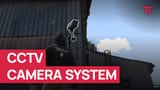
CCTV Camera System

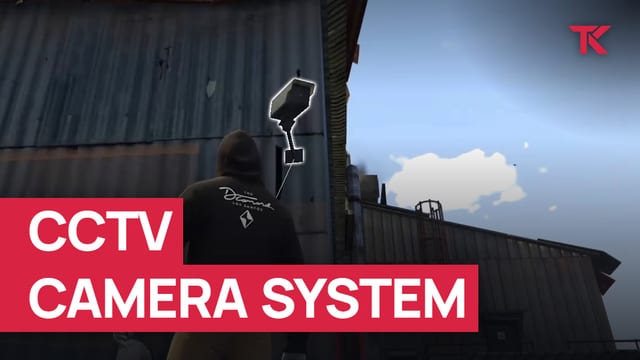
FiveM CCTV with security cameras that players place with an item and watch from a tablet.

Supports ESX, QBCore and Qbox

Buy or subscribe

One-off purchase

€14.99 + VAT at checkout

Supports ESX, QBCore and Qbox

Buy now skips the cart: log in with Cfx.re, then pay on Tebex.

Included in Ultimate

Compare subscriptions

Ultimate Full access

€39.99/month + VAT

33 scripts that cost €549.67 + VAT bought one by one, plus every future release.

Subscribe to Ultimate

Renews monthly. Cancel any time in your Tebex payment portal (external site). Scripts stop after the paid period.

15% off one order Terms

Covers scripts and bundles, and on a plan the first payment only. Not valid on gift cards. One use per customer or IP address. Enter it in your cart under Have a code?, or at Tebex checkout.

Discount code NEW15

v1.1.8, 17 Jan 2026: changelog

In a bundle

Laptop All Apps Bundle, 7 scripts

€89.99 + VAT, Save €24.94 (21%), €114.93 + VAT if bought separately

Two of the three default camera types detect motion and alert everyone with access. You decide which cameras can be destroyed or repaired, and which jobs may place certain cameras or remove anyone's.

At a glance

  • Place cameras with an item

    Three camera types come by default, and you can add as many more as you want.

  • Share access by player or job

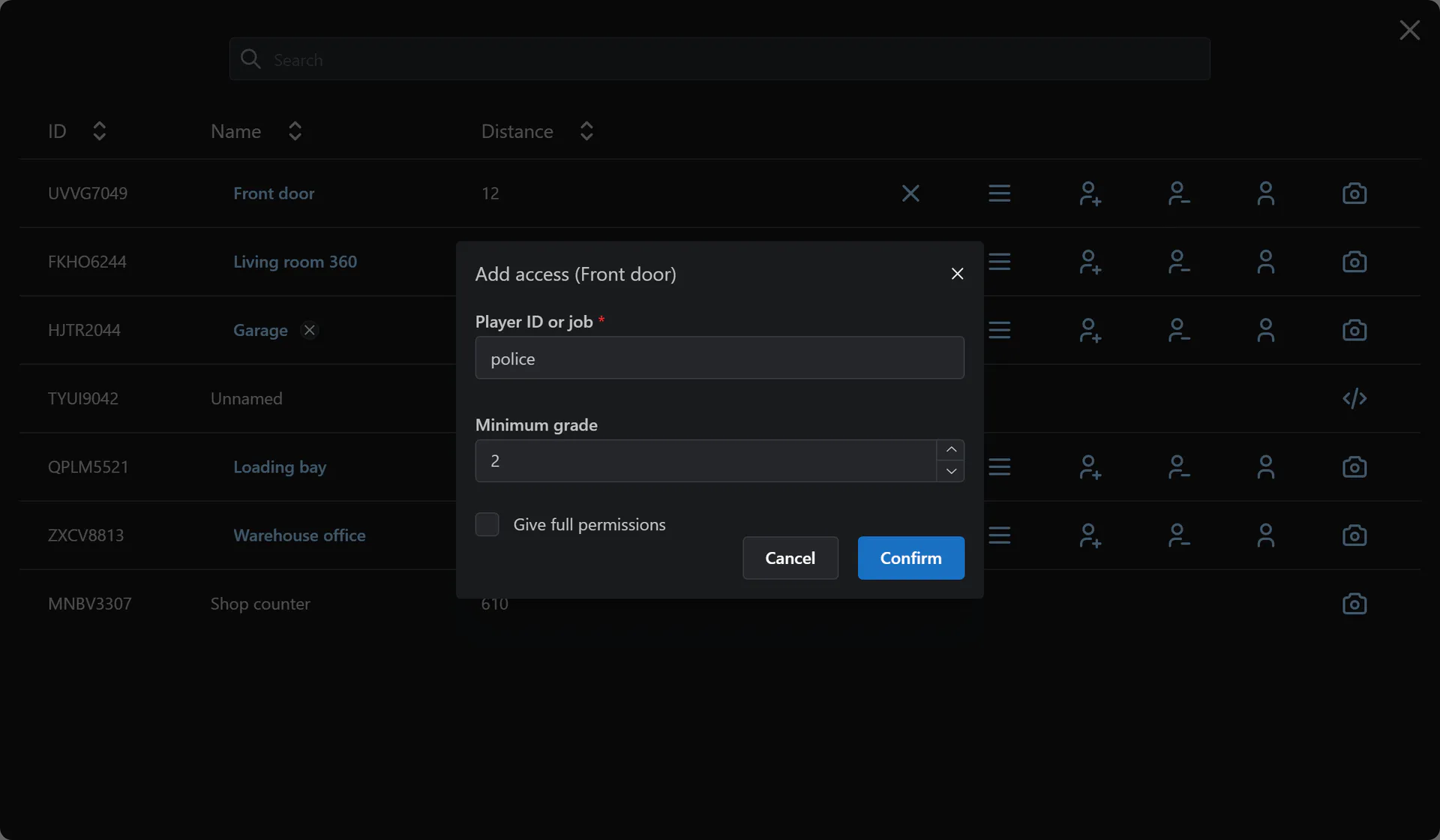
    Give access to a player by ID or a job from a minimum grade, add full permissions, or transfer ownership.

  • Static, controllable or 360 views

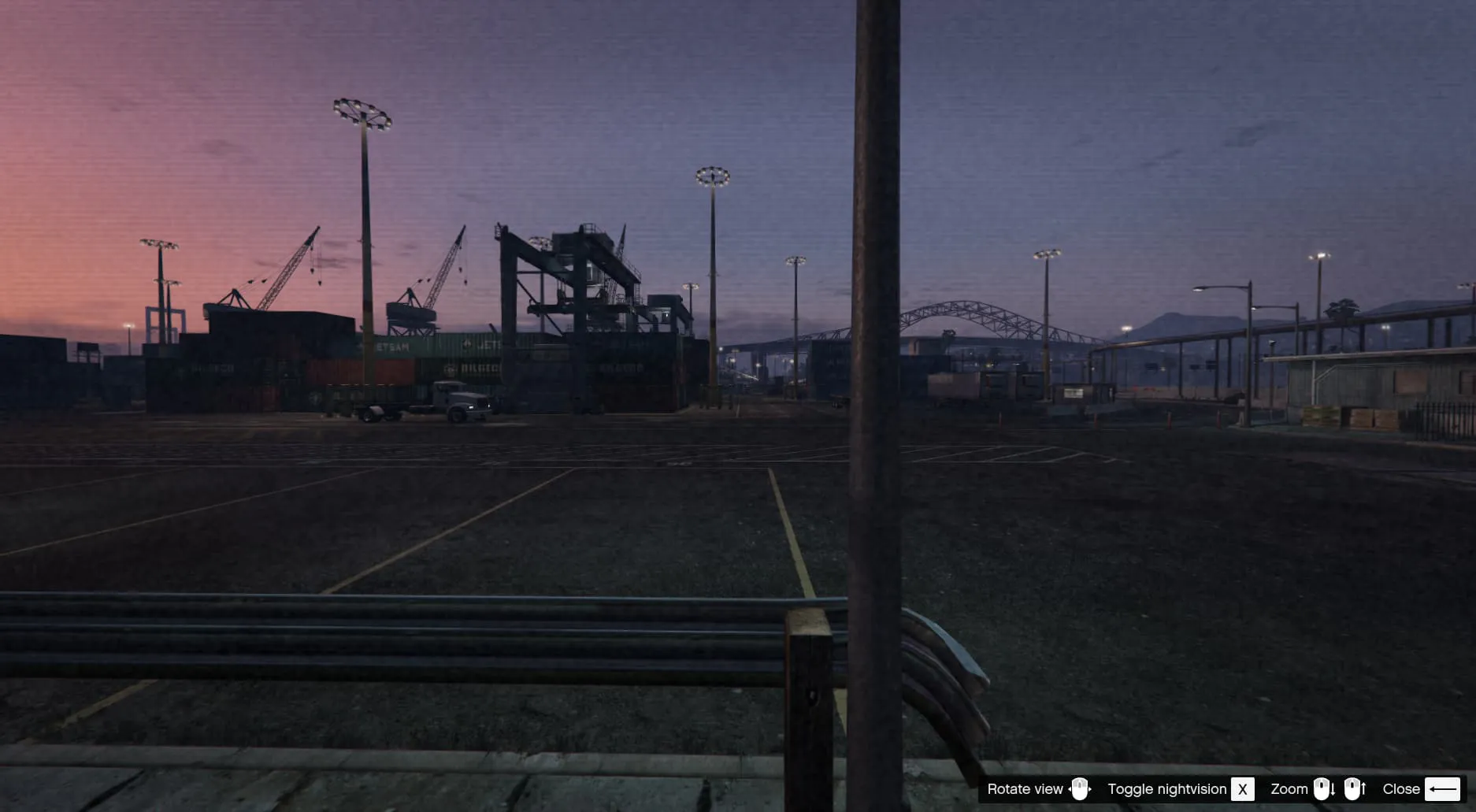
    Set each camera type's view, night vision and minimum and maximum FOV.

  • Camera tablet with groups

    Search and filter cameras, then switch between cameras in a group while watching.

  • Shoot out and repair cameras

    A destroyed camera shows a black screen until it is repaired, or is removed if repairs are off.

  • Hack cameras you cannot access

    Players within a distance you set can view hackable cameras they have no access to, once you add a hack minigame.

What CCTV Camera System does

Put cameras where you need them

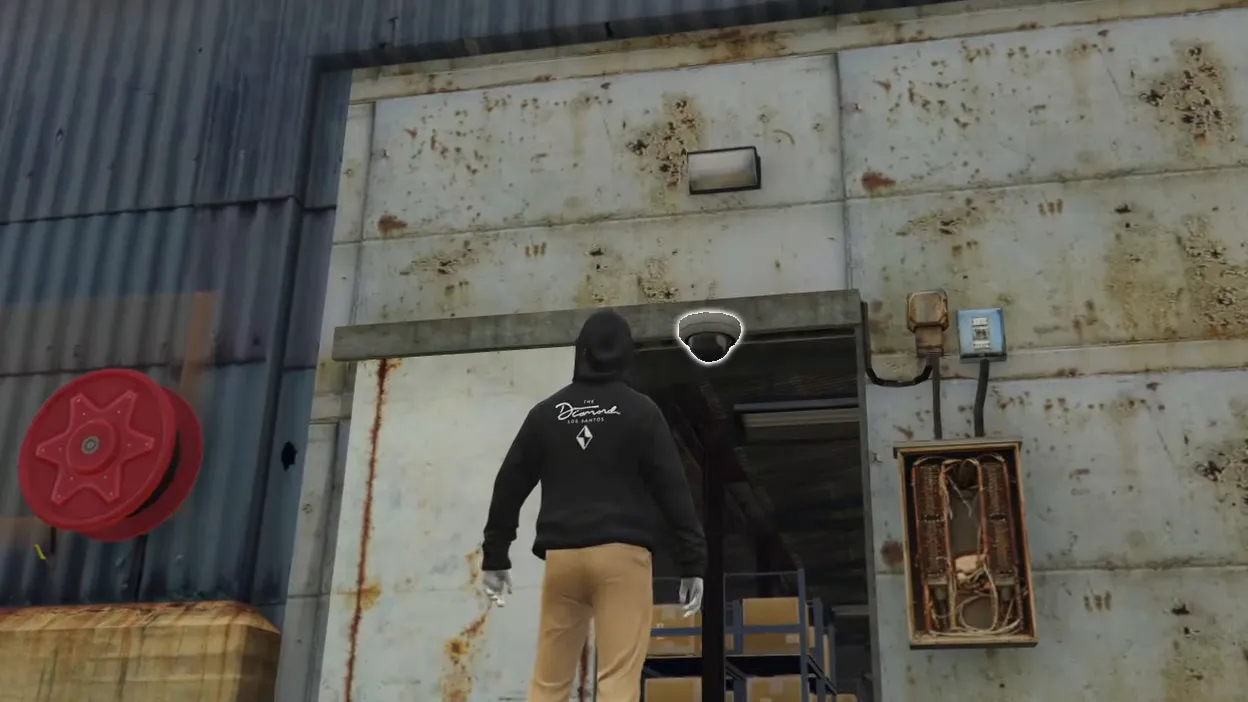
Players place cameras with the camera item, and you can add as many camera types as you want. Each camera is static, controllable within a set range or a full 360 view, with night vision and a minimum and maximum FOV. You can limit certain cameras to certain jobs.

Manage cameras from the tablet

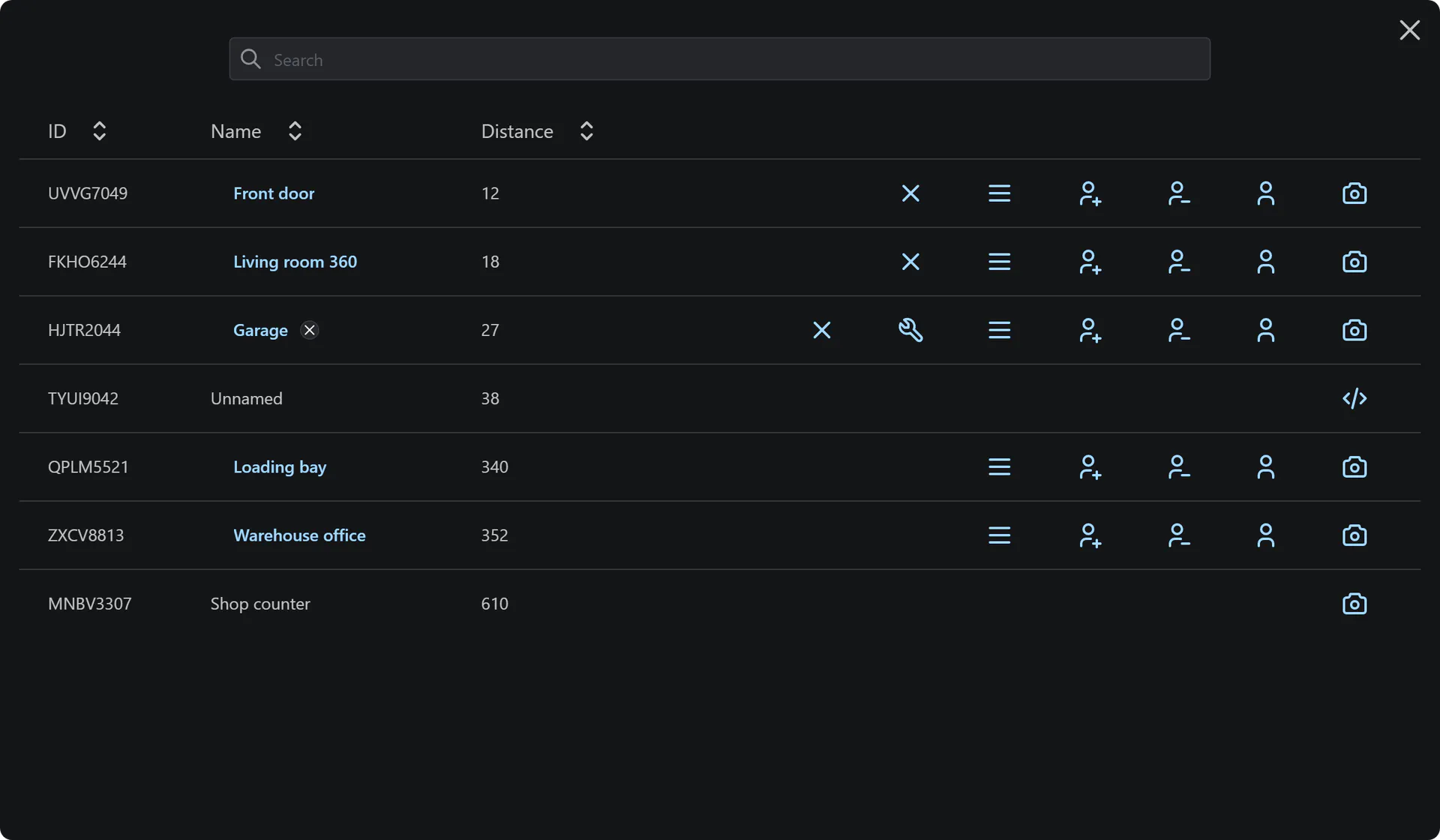
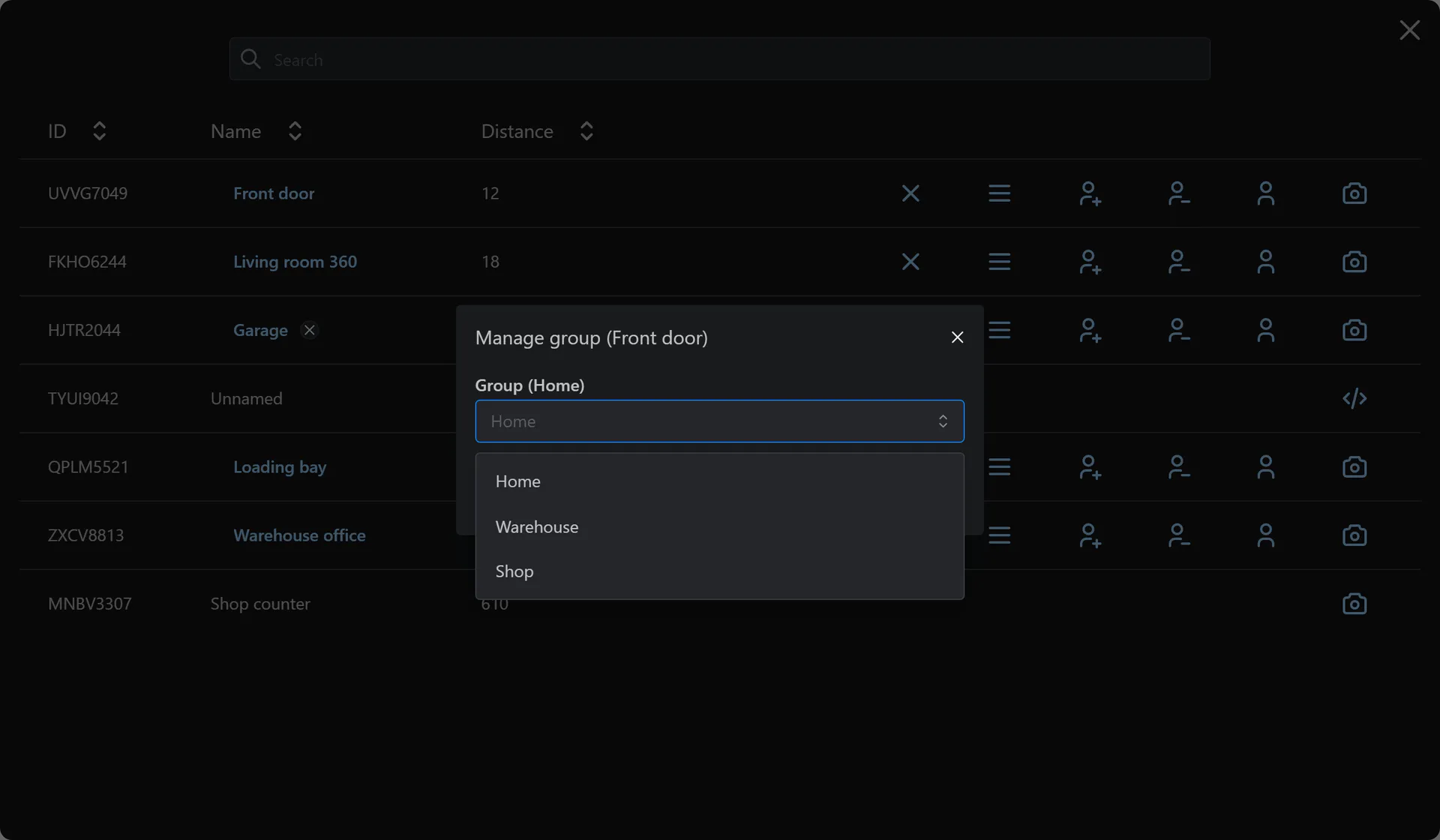
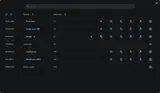
The camera tablet shows each camera's ID, name and distance, with search and filters. Camera owners share access or full permissions with a player or a job from a minimum grade, transfer ownership and rename the camera. While viewing, players can switch between cameras in the same group.

Break, repair and hack cameras

Shooting a camera can destroy it, and a destroyed camera shows a black screen until it is repaired; if repairs are off, it is removed. Players within a set distance can view hackable cameras they have no access to, once they pass your hack minigame (none is included). Camera owners and full-permission players remove cameras; chosen jobs remove anyone's.

Full feature list

Show the full list Hide the full list

Camera types and placing

  • Add as many different cameras as you want
  • Three types by default: faulty, default and advanced
  • Place cameras with the camera item
  • Restrict certain cameras so only certain jobs can place them
  • Two default types detect motion and alert everyone with access

Damage and repair

  • Shooting cameras can destroy them
  • Configure whether a camera can be destroyed
  • Configure whether a camera can be repaired; if not, it's removed when destroyed
  • Destroyed cameras show a black screen when viewed

View modes and night vision

  • Static: the view can't be moved
  • Controllable: the view moves by a configurable amount
  • 360: full 360 view
  • Night vision on and off
  • Configurable maximum and minimum FOV

Camera hacking

  • View cameras you don't have access to
  • Configure whether each camera can be hacked
  • Configure the maximum distance for hacking
  • No hack minigame is included: you add your own in the editable client file

Camera tablet

  • Shows camera ID, name and distance
  • Search and filter
  • Toggle the camera view
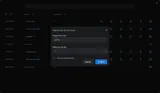
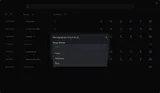
  • Add access for a player by ID or a job and grade, with optional full permissions
  • Remove access from a player or a job
  • Transfer ownership to another player
  • Manage groups; cameras in the same group can be switched between while viewing
  • Repair a destroyed camera within a configurable distance
  • Remove your own cameras within a configurable distance; set jobs that can remove anyone's
  • Rename a camera; full permissions let others rename, regroup, share and remove it

Integration and languages

  • Supports ox_lib alongside ESX, QBCore and Qbox
  • Sends logs to Discord
  • English and Finnish by default, and you can translate everything yourself

Requirements and compatibility

Required: es_extended or qb-core; Qbox runs through its QBCore support. Optional: ox_lib. Camera hacking needs a hack minigame you add.

Check compatibility in the CCTV Camera System docs (external site)

Where a row says “or”, one of them is enough.

Frameworks

Supports ESX, QBCore and Qbox

Other frameworks: Custom (see the note under the table)

Qbox is also known as qbx.

Code access
Protected by Cfx.re Asset Escrow. The config files and editable files are open for you to change. To get something changed or added in the editable file, open a ticket on Discord.
All compatibility details
Resource name
tk_cctv
Database
oxmysql or mysql-async
Inventory
ox_inventory, qb-inventory, qs-inventory or Custom (see the note under the table)
Languages
English, Finnish
Optional integrations

Not required. The script runs without any of these.

Custom: the integration code is editable, so you can add your own resource. Setup required.

Updates, support and terms

Update policy, Discord support and the Terms of Service

Updates

We release updates from time to time, as set out in our Terms of Service.

New major versions are free for existing owners.

Current version 1.1.8, updated 17 January 2026.

All updates on the TK Scripts changelog

Support

Open a ticket on Discord (external site)

Open CCTV Camera System documentation (external site)

Read the CCTV Camera System discussion on the Cfx.re forum (external site)

Terms

The Terms of Service cover refunds, updates and support.

Read the Terms of Service

Questions before you buy

Can cameras record footage?

No. There is no recording option.

How do I add cameras?

Add the items cctv_faulty, cctv_default, cctv_advanced and cctv_tablet to your inventory, give yourself a camera item and use it from your inventory to place it.

Does it work with Qbox?

Yes. It supports ESX, QBCore and Qbox, and works with ox_lib.

Buying, code access and refunds: store FAQ and where to buy

Works with other TK Scripts products

These connect with CCTV Camera System. Each is sold separately.

  • Notes, email, browser, calculator and Snake, plus apps for 6 other scripts from TK Scripts.

    Supports ESX, QBCore, Qbox and Standalone

    €14.99+ VAT at checkout, one-off

  • Arrests, patrol gear, vehicle radar, live bodycams and as many stations as you need.

    Supports ESX, QBCore and Qbox

    Top 5 paid police job script on FiveM

    450+ servers (5Metrics, checked 11 October 2026)

    €24.99+ VAT at checkout, one-off

  • Unlimited department MDTs with records, incidents, warrants and in-game permissions.

    Supports ESX, QBCore and Qbox

    Top 3 MDT script on FiveM

    650+ servers (5Metrics, checked 11 October 2026)

    €24.99+ VAT at checkout, one-off

Server counts: 5Metrics, checked 11 October 2026. Detected servers running each script, rounded down.

Get CCTV Camera System

€14.99 + VAT, one-off. Or subscribe to Ultimate for €39.99/month + VAT: this script plus 32 more.

Renews monthly. Cancel any time in your Tebex payment portal. Scripts stop after the paid period. All sales are final; no refunds.

Checkout by Tebex. Terms of Service

How billing works

Tebex charges the plan price every month until you cancel and emails you a reminder about three days before each charge. Cancel any time in your Tebex payment portal. Your plan then shows as Ending: it stays active but will not renew. Scripts keep working until the end of the paid period, then stop. Your monthly price stays the same while your subscription stays active (before VAT). Next: log in with Cfx.re, then pay on Tebex.